
Influencer Campaign Roster and Post-Campaign Debrief
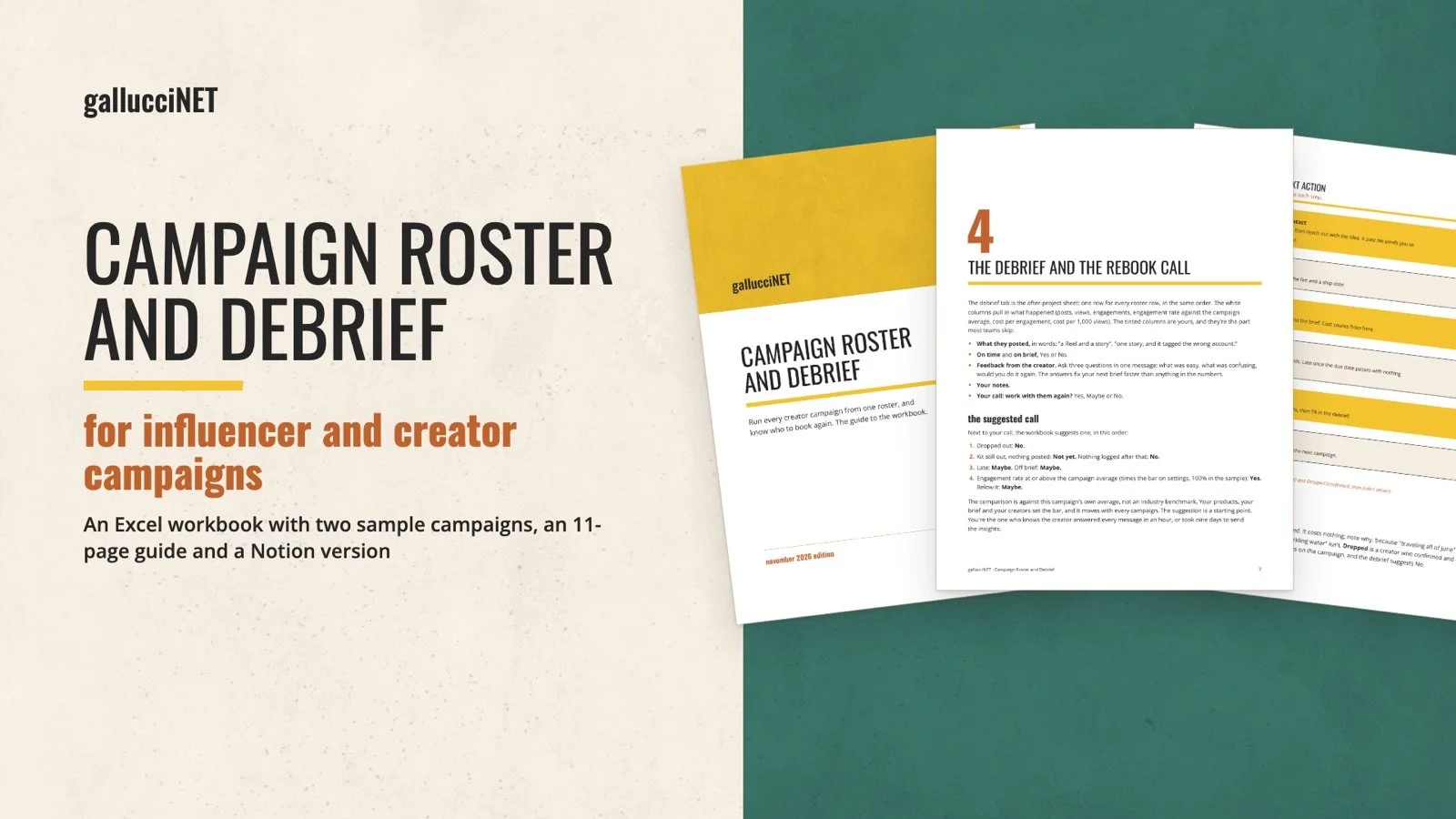
Track every creator from first DM to finished post, log what they made, and decide who to rebook while you still remember why.
last updated · what has changed
the problem
Most creator programs start a new spreadsheet every campaign. Names, handles, follower counts, a status column somebody stops updating in week two. When it ends, nobody writes down who posted late, who tagged the wrong account or who was a pleasure to work with, and the file is never opened again.
Six months later someone ships a kit to the creator who ghosted the last one, because the only record of it was in a file nobody could find.
This workbook keeps every campaign in one roster and closes each one with a debrief. Put the same handle on a new campaign and the sheet tells you how the last one went before anyone reaches out.
what's inside
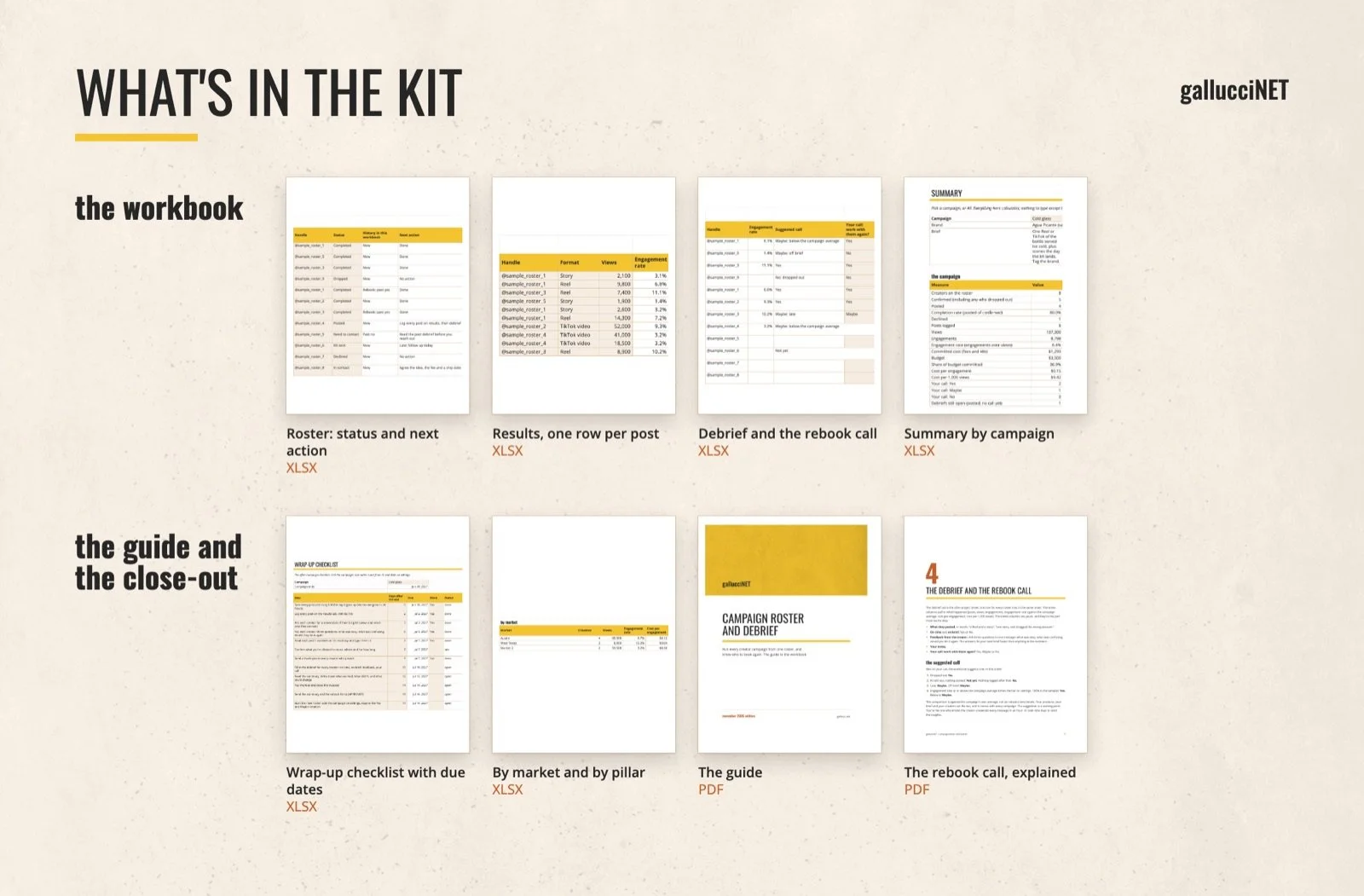
The workbook: settings, roster (200 rows), results (500 posts), debrief, summary by campaign, market and pillar, a wrap-up checklist and definitions (XLSX)
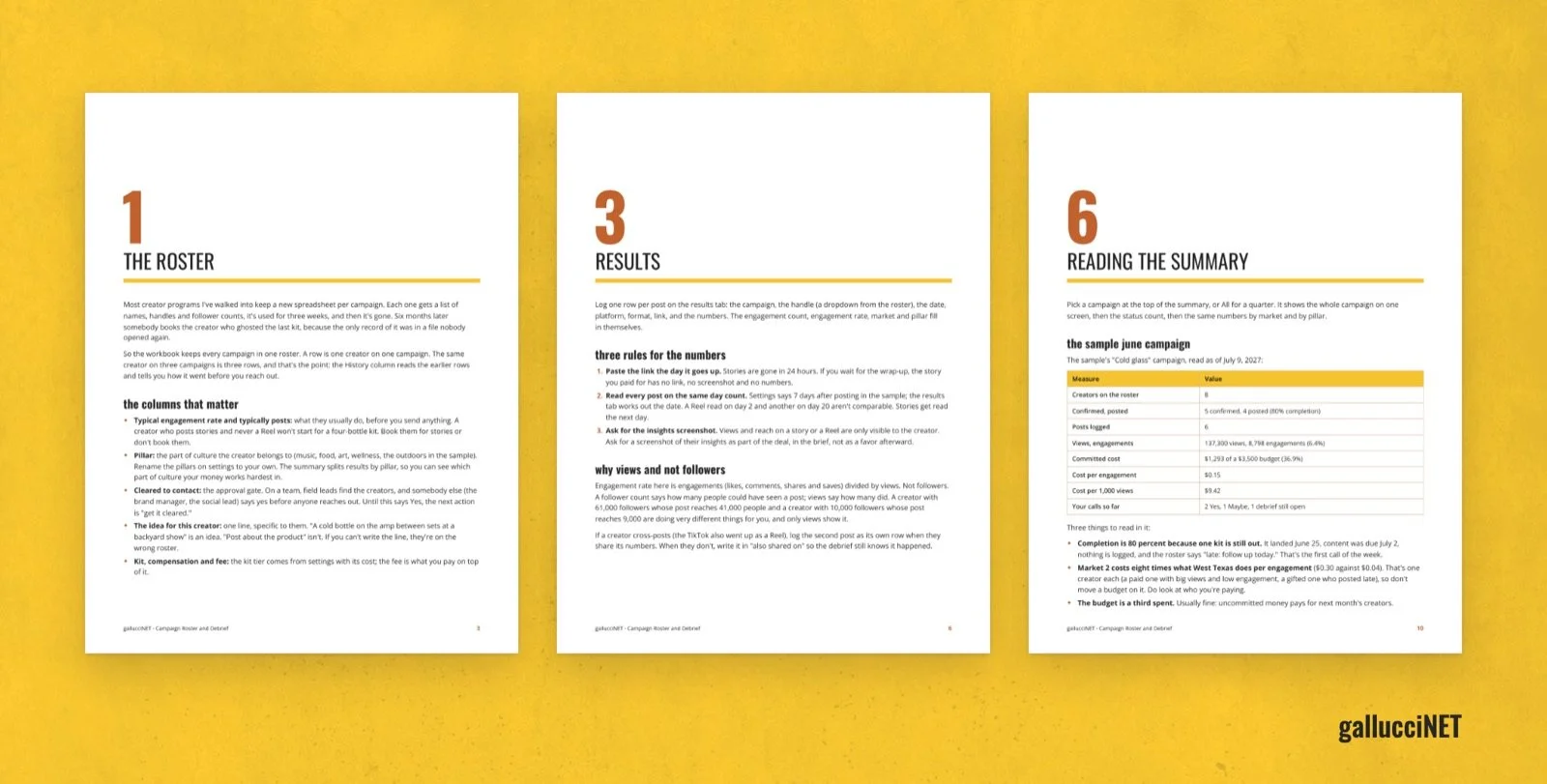
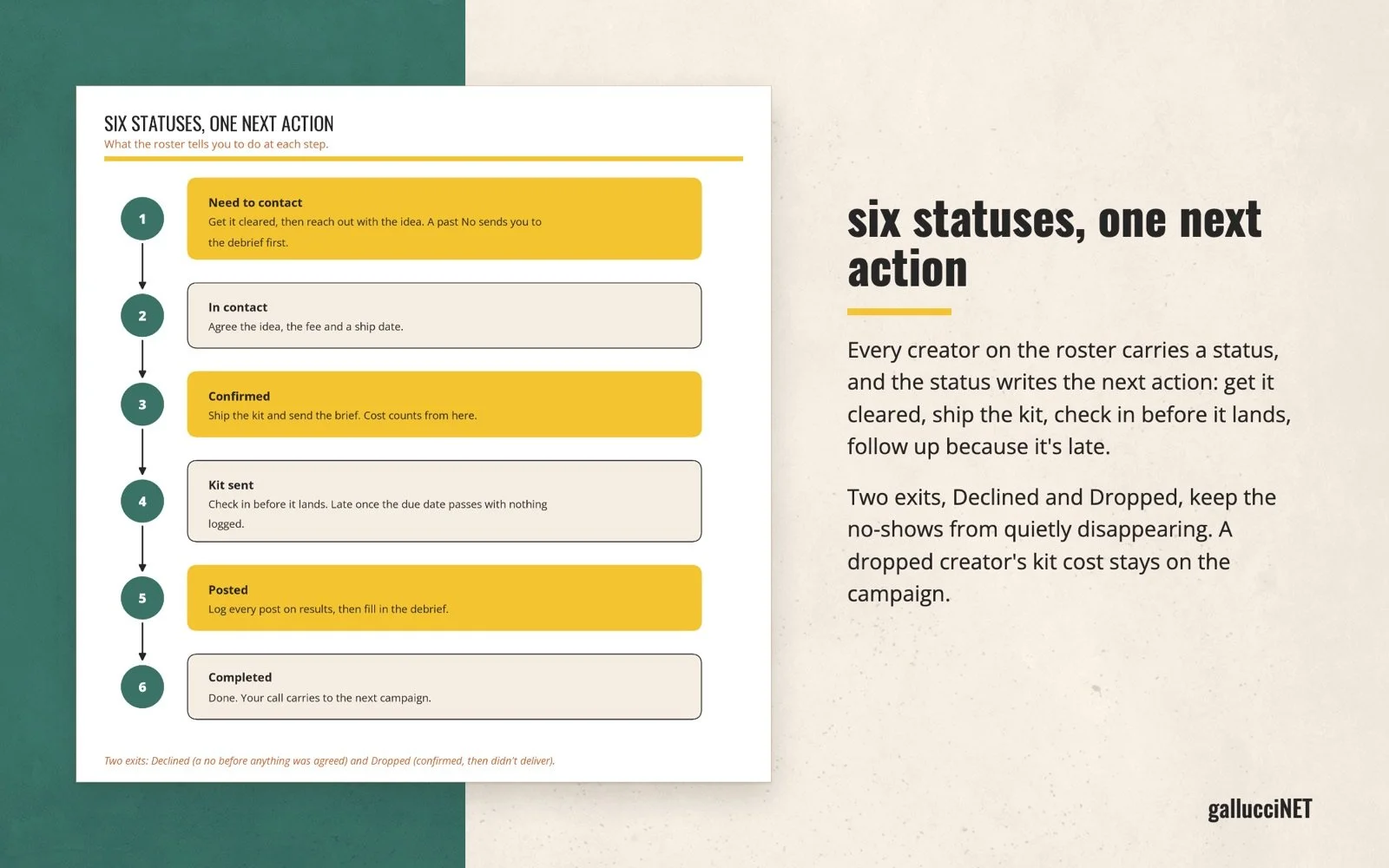
The guide: the roster, the eight statuses, logging results, the debrief and the rebook call, the wrap-up checklist and how to read the summary (PDF, 11 pages)
A Notion version: the roster, posts and debrief as a Notion template you duplicate into your workspace (Notion link, in the zip)
Two sample campaigns: a fictional beverage brand's April and June creator kit campaigns, cleared with one select-and-delete (in the XLSX)
The terms of use: the first file in the download (PDF)
who it's for
Anyone who sends product to creators or pays them to post, campaign after campaign:
influencer and creator managers at food and drink brands
field marketing managers who find local creators in their markets
social leads at small brands running gifting and paid creator campaigns on their own
agencies running creator programs for a client who wants one clean report
It isn't a creator search tool or a payment system. You bring the creators; it keeps the record.
preview
how it works
Set up the campaign. On settings: the dates, the brief in one line, the budget, your markets and pillars, and what each kit costs to send.
Run the roster. One row per creator. Set the status and the ship date; the roster works out when it lands, when to check in, when content is due and what to do next.
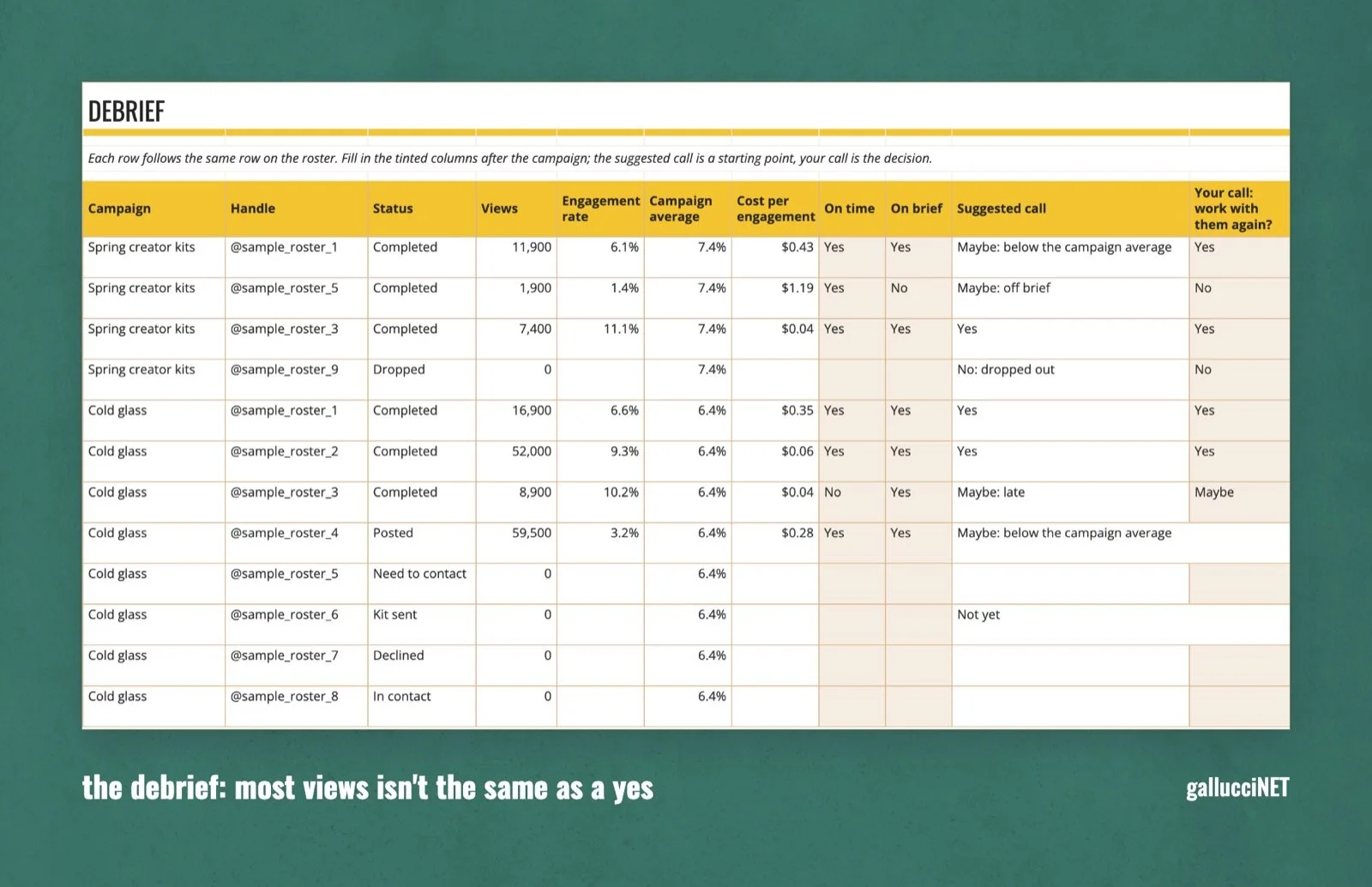
Debrief and rebook. Log every post, fill in on time, on brief and the creator's feedback, and make your call. The next campaign's roster remembers it.
where the method comes from
I've run creator and influencer programs for national and regional beverage brands, with field teams finding local creators market by market: project rosters, kit rosters by tier, TikTok rosters with results columns, and after-project sheets asking one question, would you work with them again. This is that system rebuilt in my own layout. The brands, creators, staff and fees are gone.
What changed on the way: every campaign lives in one roster instead of a file each, the debrief suggests a call from the campaign's own average instead of a guess, and every assumption (transit days, check-in, the content window, the rebook bar) sits in an input cell.
formats and delivery
1 Excel workbook (.xlsx) with tinted input cells, locked formulas and two sample campaigns you can clear; works in Excel, Numbers and Google Sheets
The guide as a 11-page PDF
A Notion template link (on the access page in the zip); a free Notion account works
One zip, delivered by download link as soon as payment clears
Fonts: Oswald and Open Sans, both free from Google Fonts
get the kit
$15, one time. One license for you or your organization.
All sales are final. Questions first? Email support@gallucci.net before you buy.
questions
Does it find creators for me?
No. You bring the creators. It keeps the roster, the results and the debrief, and remembers how each creator went.
Does it pull post numbers automatically?
No. You paste the link and type the numbers on each post's read day. Views and reach on stories are only visible to the creator, so the guide tells you to ask for an insights screenshot in the brief.
How many campaigns does it hold?
Ten campaigns on settings, 200 roster rows and 500 posts. Unprotect a sheet (no password) to add rows.
Is there a Google Sheets version?
The XLSX opens in Google Sheets and uses no Excel-only functions. A separate Sheets copy isn't included.
What does the Notion version do?
The roster, posts and debrief as linked databases with a status board. The summary math stays in the workbook.
Can I get a refund?
No. All sales are final, because a digital file can't be returned once it's delivered. If a file arrives corrupted or won't open, email support@gallucci.net within 30 days and I'll send a working copy. If you're not sure this fits your brand, email support@gallucci.net before you buy and ask.
Do I get updates?
No. You get the edition you buy, and nothing on this page promises updates. If a new edition comes out, it's sold as its own product.
Can I use it for clients?
Yes. One purchase is one license for you or your organization. An agency or freelancer can use it on any number of client accounts; the client gets the finished work, not the product files. A client that wants its own team using the files needs its own copy.
Does it guarantee results?
No. Every number in it is a planning figure with a date and a source, there to show the method. What you get out of it depends on your product, your market and how you run it.
what has changed
every change to this product, newest first. the download you buy today is the current version.
November 26, 2026: First released.
terms
Buying or using this product means you accept the gallucciNET terms of use: gallucci.net/terms. A copy (READ_ME_FIRST_terms_of_use.pdf) is the first file in the download.
about giovanni
giovanni gallucci runs gallucciNET out of Marfa and Dallas. He's spent twenty years on social, content, field and launches for food and beverage brands.
He hosts The Daily Trend Report, a morning podcast on food and beverage, content, social and AI (show notes at gallucci.net/podcasts), and wrote A Social Media Marketing Framework for Food and Beverage CPG Brands (2nd Edition) and Viral and Broke: A Field Guide to Social Media for Food and Beverage Brands. More at gallucci.net.

adage, emmy, telly & webby award-winning digital marketing consultant for purpose-driven food & beverage brands.