
The AI Task Prompt and Automation Standard
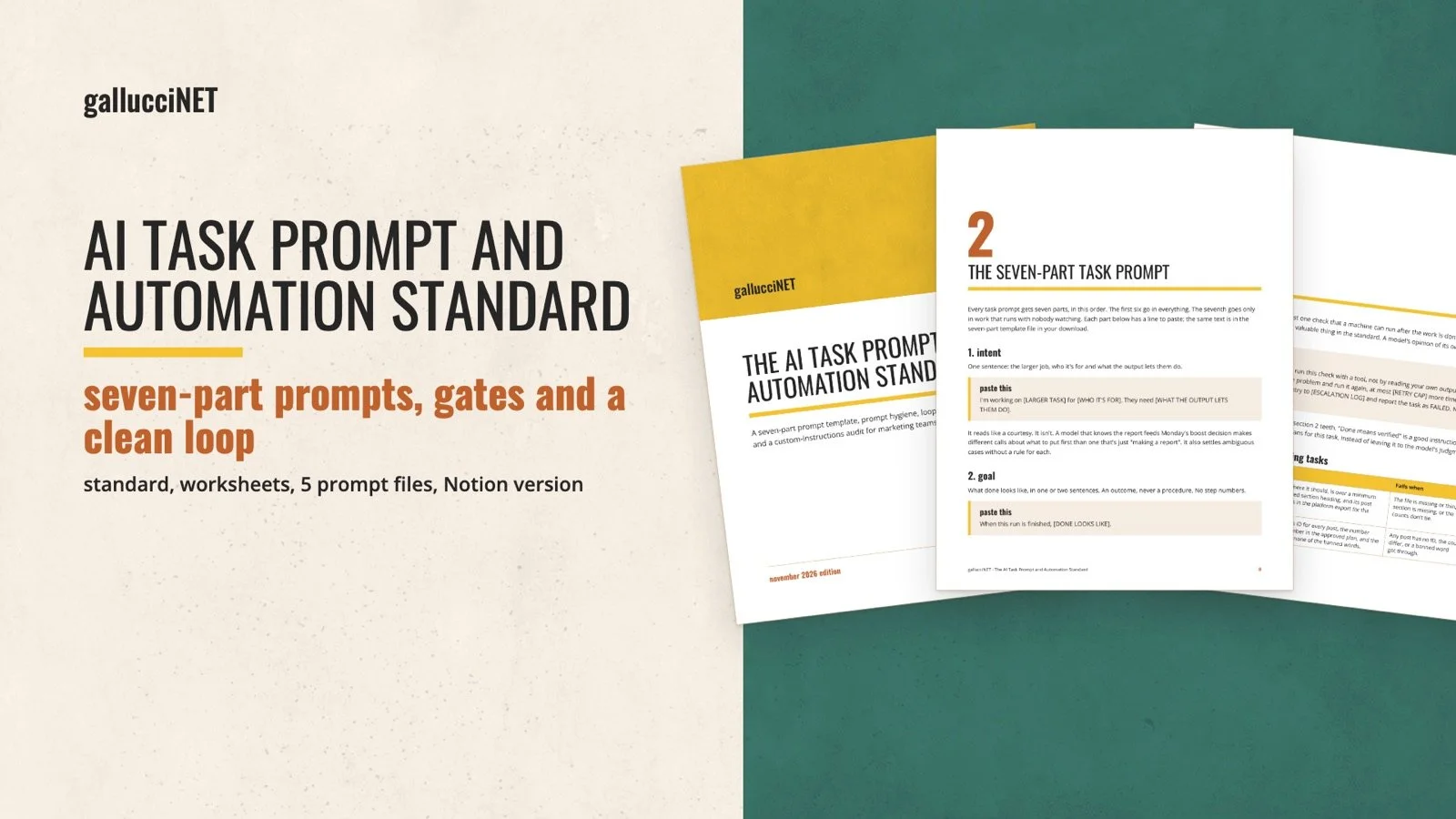
One way for your team to write AI task prompts that finish, check their own output against something real, pick up where they stopped and stay clean for months.
last updated · what has changed
the problem
Your team has a weekly report that an AI tool builds, a batch of posts it schedules, a newsletter it drafts, and a set of project instructions everyone works inside. Each prompt was written once, edited after every bad week, and never cleaned. Some of them say "step 1, step 2". Some say "RETIRED" next to rules that are still in there. When a run goes wrong, the report still says done, because the only thing that checked the work was the model that did it.
This is the standard I write every recurring AI task to. It covers what goes inside a prompt, how a prompt stays clean, and the system around it: the gate that can fail a run, the state file that lets tomorrow's run resume, the check that stops a newsletter going out twice, and the number that tells you when a loop is costing more than it saves.
what's inside
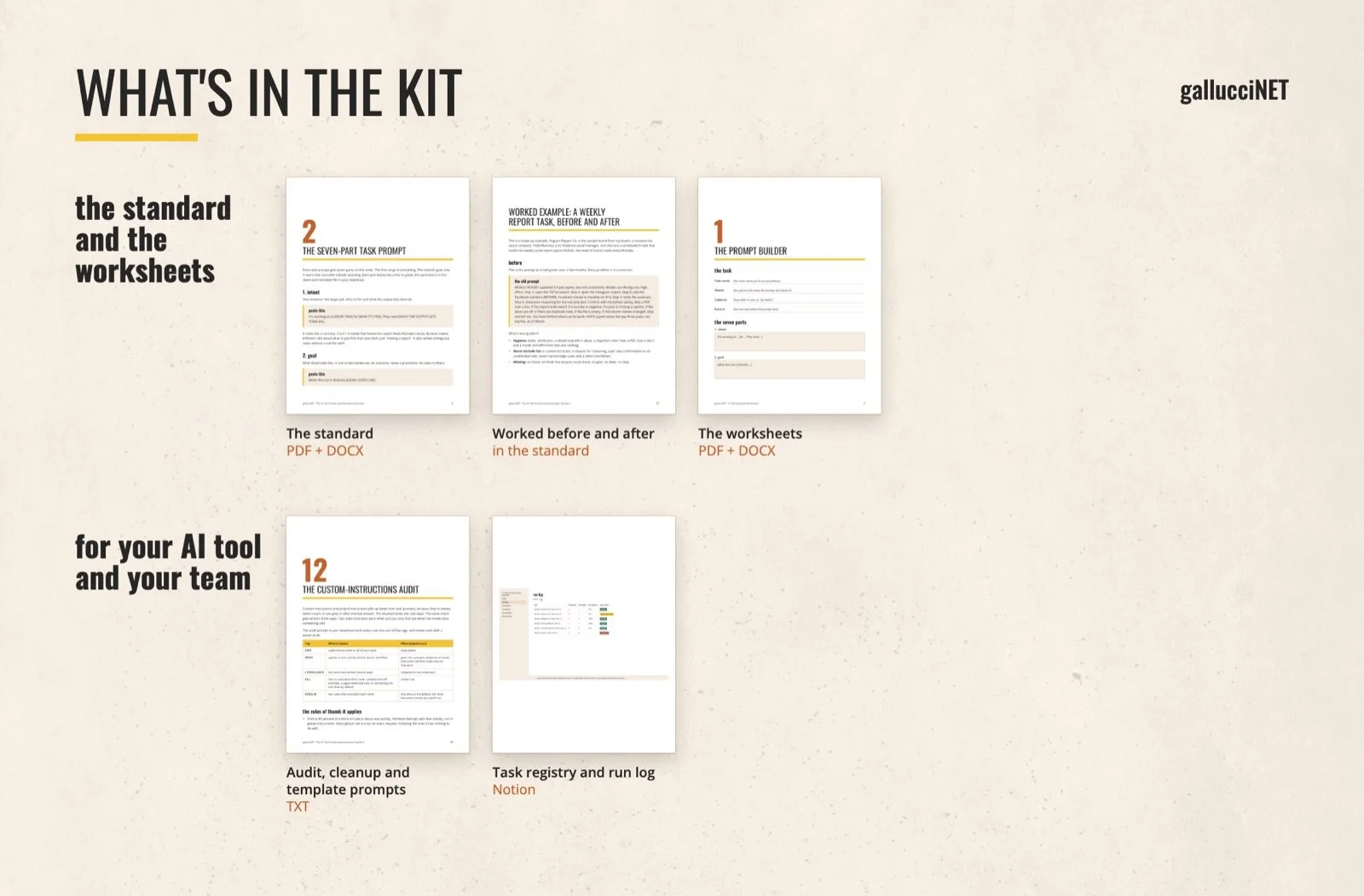
The standard: twelve sections: the seven-part task prompt, what never goes in one, prompt hygiene, the loop test, gates for common marketing tasks, maker and checker, state, idempotency, hard stops, security, cost per accepted deliverable, migrating old prompts and the custom-instructions audit, plus a worked before and after (PDF + Word)
The worksheets: the prompt builder, loop test, gate and stop spec, irreversible-action check, state and escalation, acceptance log, hygiene check and monthly re-audit, one set per task (PDF + Word)
The seven-part template and the standard lines: the blank task prompt and every paste-in line (gate, checker, state, idempotency, failure budget, untrusted content, secrets) ready to copy (plain text)
The custom-instructions audit prompt: tags every rule in your AI tool's instructions KEEP, MOVE, CONSOLIDATE, KILL or RESOLVE and drafts a leaner version (plain text)
The prompt cleanup prompt and the log templates: turns an old task prompt into a clean seven-part one with a changelog entry; the state file, escalation line and changelog formats (plain text)
Notion template: a task registry, a run log that works out your acceptance rate, an escalation log and a changelog, with the standard and every prompt as pages, through the access page in the download (Notion link)
The terms of use: the first file in the download (PDF)
who it's for
Anyone who runs AI tasks that repeat, for a brand, a team or clients.
marketing ops leads who own scheduled reports, posts and newsletters
agency owners with a pile of client prompts nobody has cleaned in months
solo consultants running Claude or ChatGPT projects, custom GPTs or scheduled agents
It works with any AI tool that takes written instructions. The examples are marketing tasks; the method isn't tied to a category.
preview
how it works
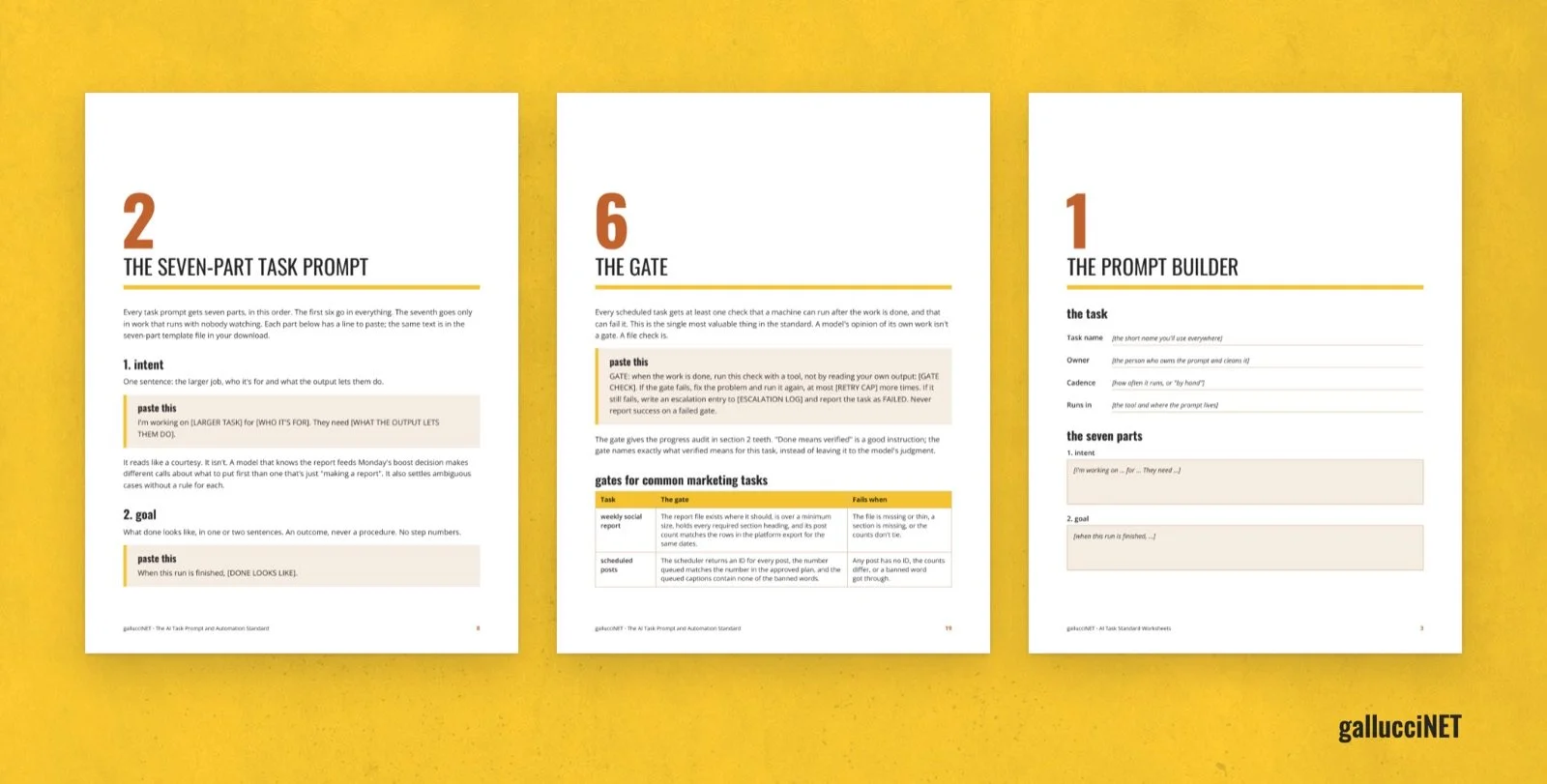
Write the prompt in seven parts. Intent, goal, acceptance criteria, boundaries, progress audit, output contract and, for unattended runs, the autonomy clause.
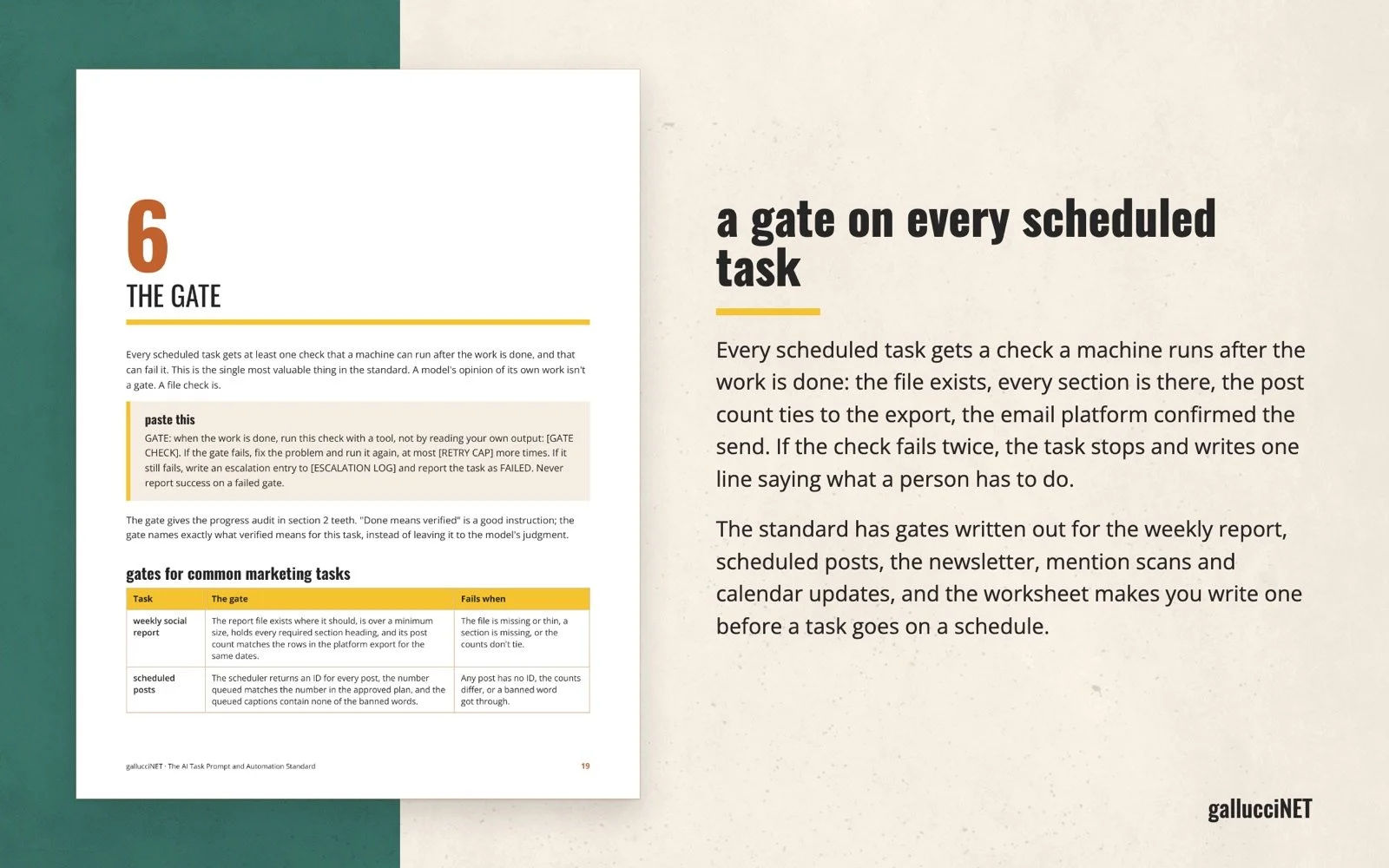
Put a gate around it. A machine check after the work, a failure budget, a state file and an idempotency check on anything that sends or posts.
Keep it clean and keep score. The hygiene rule on every edit, the history in a changelog, and produced, accepted and redone on every run.
where the method comes from
This is the standard I run my own scheduled AI work on: daily reports, content production, newsletters and the instructions my tools work inside. It came out of fixing prompts that had quietly broken after a model change, reports that said done when they weren't, and instruction sets that contradicted themselves.
Every word is mine and written for this kit. It names no model versions, because those go stale in months, and none of my internal tooling, file names or client work is in it.
formats and delivery
The standard and the worksheets as PDF and Word (.docx)
Five plain-text prompt files (.txt)
An access page with the Notion duplicate link
One zip, delivered by download link as soon as payment clears
get the kit
$19, one time. One license for you or your organization.
All sales are final. Questions first? Email support@gallucci.net before you buy.
questions
Which AI tools does this work with?
Any tool that takes written instructions: ChatGPT, Claude, Gemini, custom GPTs, project instructions, scheduled agents and automation platforms with a model inside. The standard is written so a prompt keeps working when the model behind it changes.
Do I need to code?
No. A gate can be as simple as asking the tool to read back the file it wrote and count its sections, or checking the platform's confirmation. If your team does write scripts, the same gates work as a few lines of code.
Will it make my AI tasks reliable?
No promise. It makes failures visible and stops them early: a run either passes a check that can fail, or it reports FAILED with what a person has to do. It also tells you which tasks shouldn't be automated at all.
How is this different from a prompt pack?
A prompt pack gives you prompts for content. This is how to write, run and maintain any recurring task prompt, plus the system around it. It pairs with the AI Product Content Prompt Pack and the AI-Ready Brand Voice System in the store.
Is the Notion template required?
No. Everything works from the PDF, Word and text files. The Notion version is there if your team wants the task registry, run log and escalation log in one shared place.
Can I get a refund?
No. All sales are final, because a digital file can't be returned once it's delivered. If a file arrives corrupted or won't open, email support@gallucci.net within 30 days and I'll send a working copy. If you're not sure this fits your brand, email support@gallucci.net before you buy and ask.
Do I get updates?
No. You get the edition you buy, and nothing on this page promises updates. If a new edition comes out, it's sold as its own product.
Can I use it for clients?
Yes. One purchase is one license for you or your organization. An agency or freelancer can use it on any number of client accounts; the client gets the finished work, not the product files. A client that wants its own team using the files needs its own copy.
Does it guarantee results?
No. Every number in it is a planning figure with a date and a source, there to show the method. What you get out of it depends on your product, your market and how you run it.
what has changed
every change to this product, newest first. the download you buy today is the current version.
November 28, 2026: First released.
terms
Buying or using this product means you accept the gallucciNET terms of use: gallucci.net/terms. A copy (READ_ME_FIRST_terms_of_use.pdf) is the first file in the download.
about giovanni
giovanni gallucci runs gallucciNET out of Marfa and Dallas. He's spent twenty years on social, content and launches for food and beverage brands, and runs his own content and reporting on scheduled AI tasks every day.
He hosts The Daily Trend Report, a morning podcast on food and beverage, content, social and AI (show notes at gallucci.net/podcasts), and wrote A Social Media Marketing Framework for Food and Beverage CPG Brands (2nd Edition) and Viral and Broke: A Field Guide to Social Media for Food and Beverage Brands. More at gallucci.net.

adage, emmy, telly & webby award-winning digital marketing consultant for purpose-driven food & beverage brands.