
Trade Show Exhibitor Content Kit
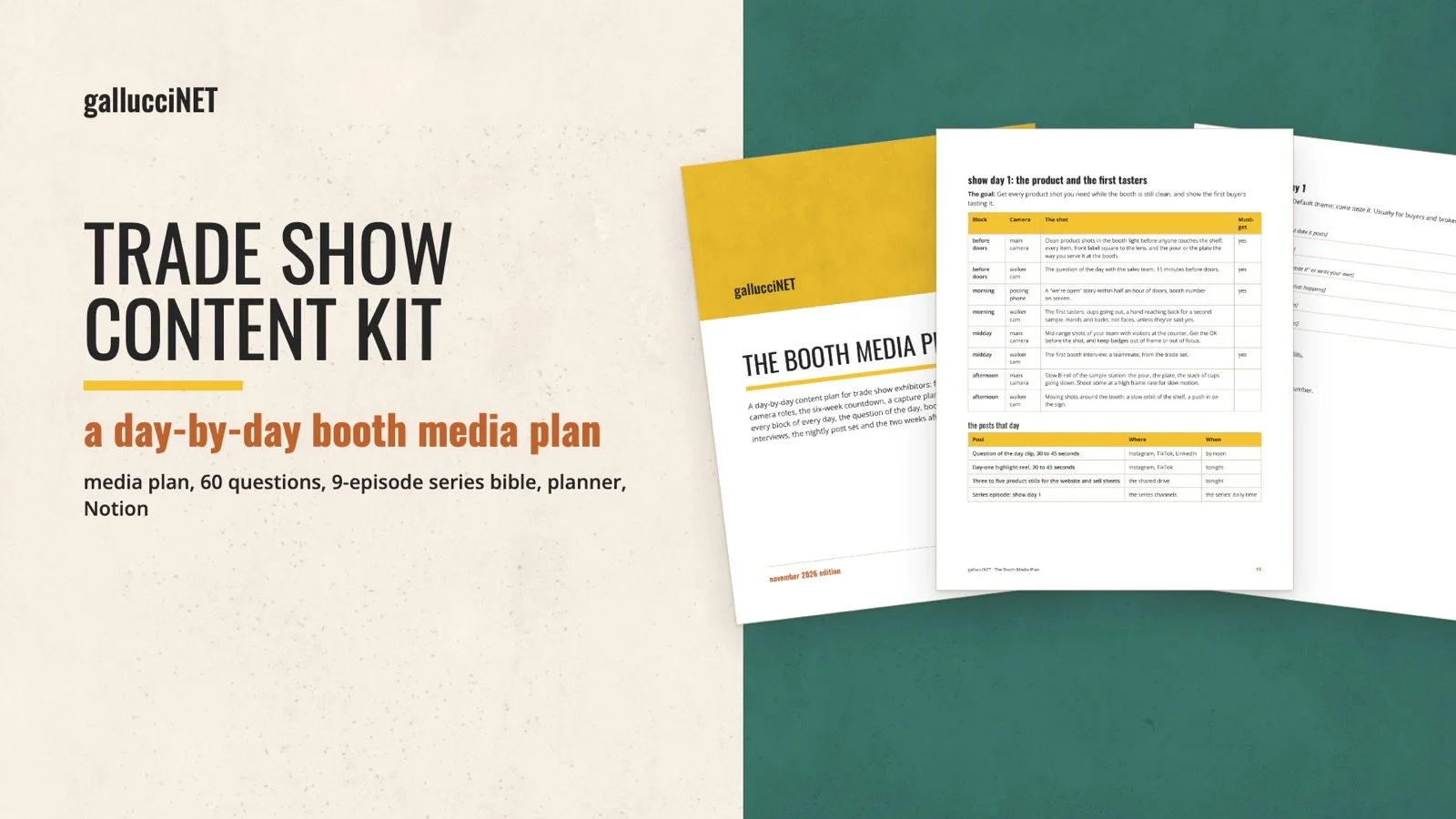
Turn a trade show into three weeks of planned content: a countdown before, a shot plan for every block of every day, and two weeks of posts after.
last updated · what has changed
the problem
Most brands come home from a trade show with three hundred photos on one phone, a booth selfie and nothing posted after the second day. The show cost a booth fee, flights, hotels, a pallet of product and four days of their best people, and the content plan was whoever remembered to pull out a phone.
I built this plan for a brand at a big four-day show, then rewrote it for food and beverage exhibitors. It gives every shot to a camera role and a block of the day, films a question of the day before the doors open, books the interviews before you leave, posts a set every night, and runs a nine-episode countdown series from the day you leave to the day you're home.
what's inside
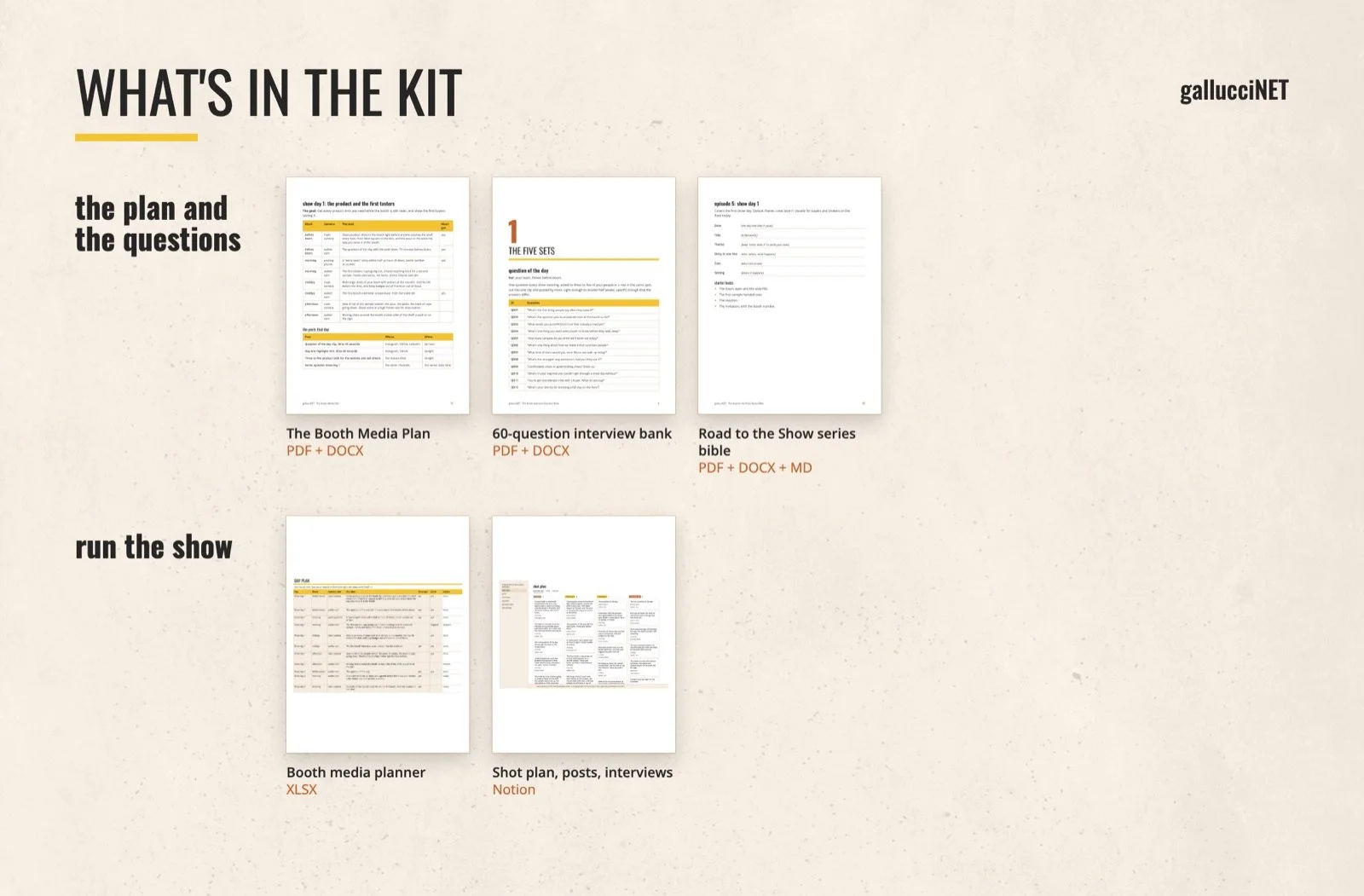
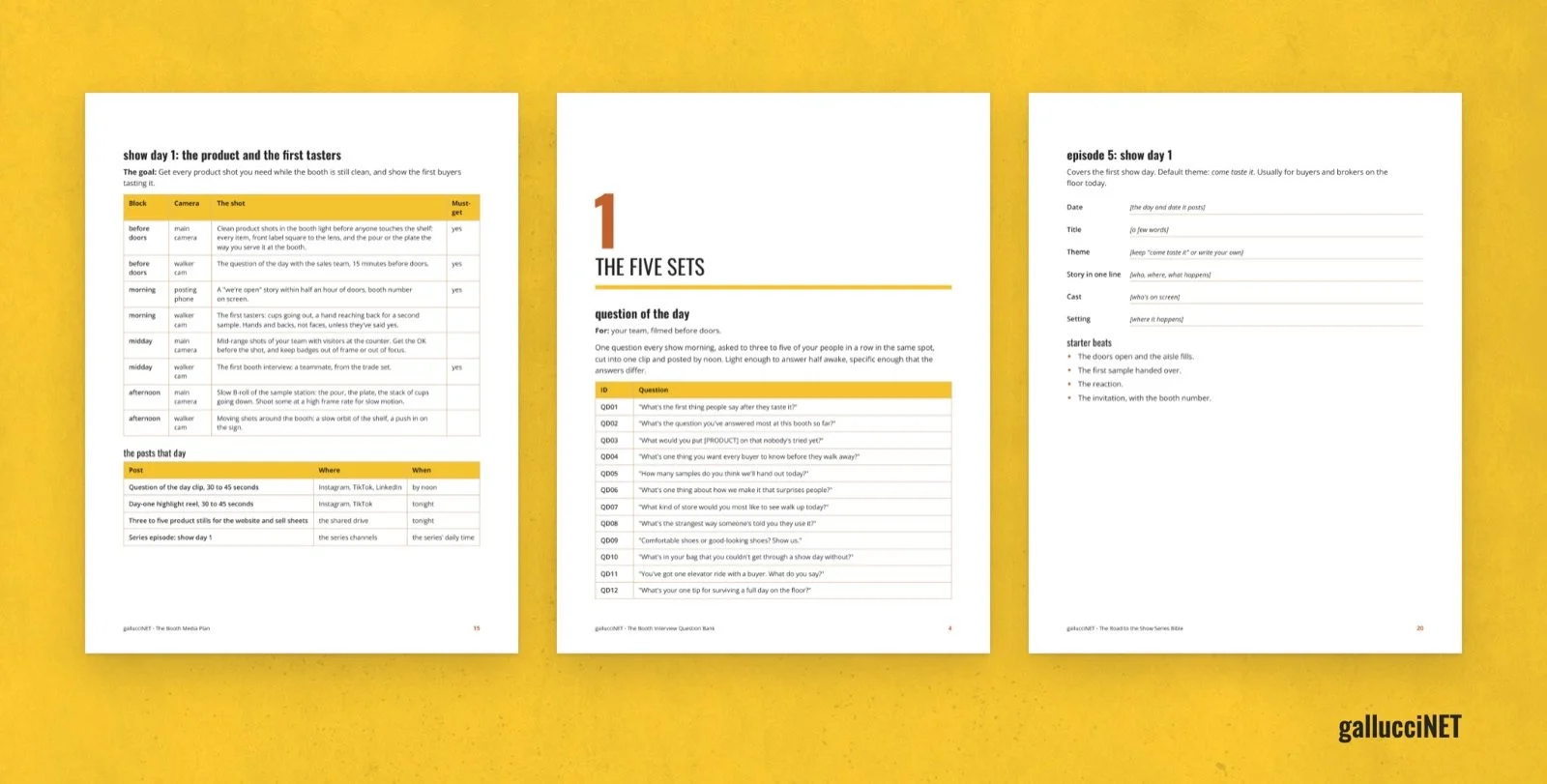
The Booth Media Plan: the four audiences, the crew and the four camera roles, a six-week countdown, the show's photo rules, the OK and the release, a capture plan for the build day, every show day and teardown, the question of the day routine, booth interviews, the nightly edit, the series, the two weeks after, and a worked example for a crew of one (PDF + Word)
The Booth Interview Question Bank: 60 questions with IDs in five sets: question of the day, trade interviews, visitors who say yes, fun and engagement, and the floor walk, with the seven rules every question follows (PDF + Word)
The Road to the Show Series Bible: a nine-episode countdown series template, live action or animated: format, tone, cast, props and references, the rules for on-screen text, narration, music and other brands, the consistency rules for AI animation, and nine fill-in episode sheets with starter beats (PDF + Word + Markdown)
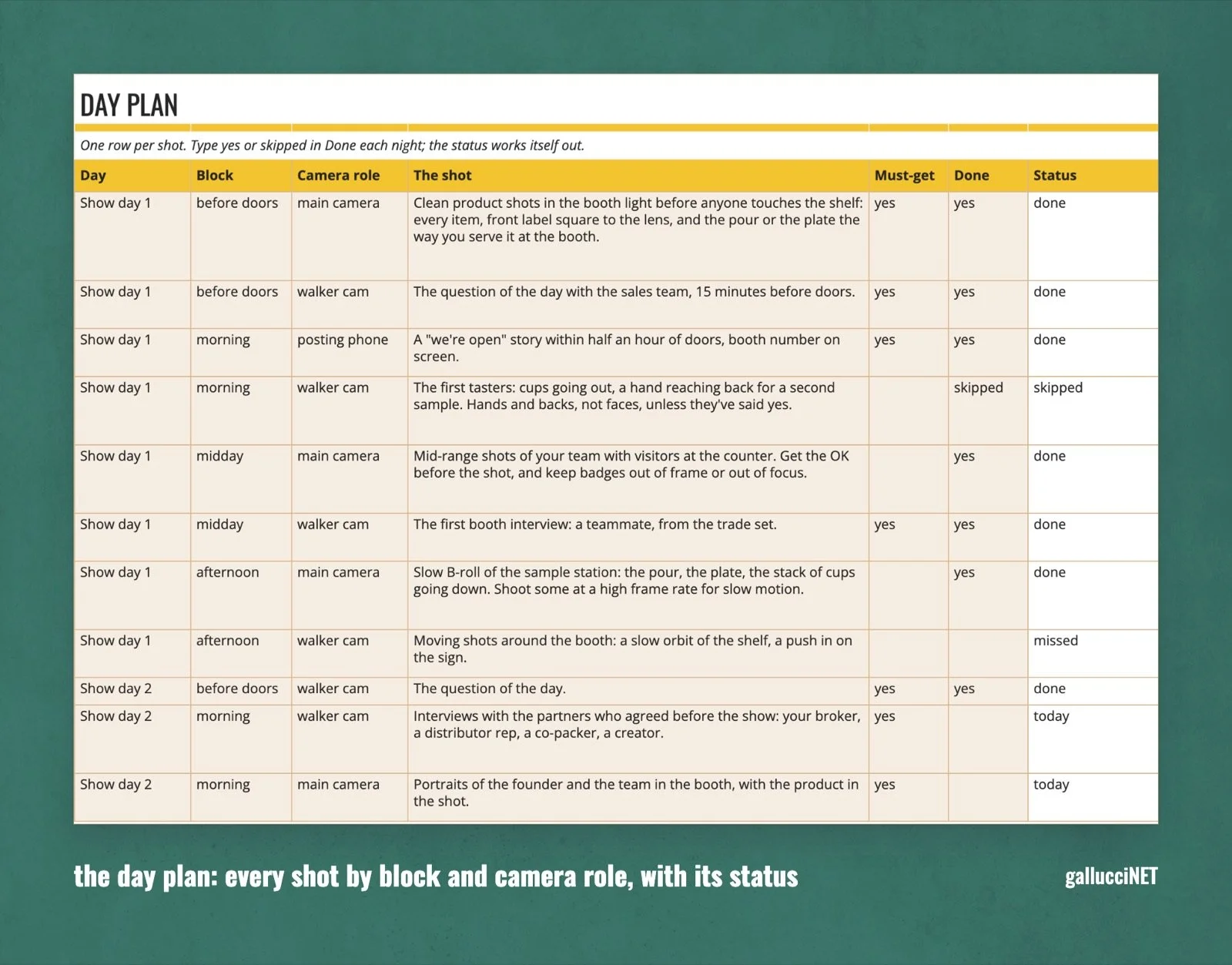
Booth media planner: your show days and crew, the day plan with every shot's status, the posts before, during and after with dates worked out, the question of the day log, the interview log with the OK and the release, the nine episodes and a scorecard (Excel)
Notion template: the shot plan, posts, interviews, episodes and question bank, for the crew's phones on the floor, through the access page in the download (Notion link)
The terms of use: the first file in the download (PDF)
who it's for
Food and beverage brands that rent a booth to meet buyers.
founders and marketing leads heading to Expo West, the Fancy Food Show, NACS, the National Restaurant Association Show or a regional show
the social media manager or freelancer who'll be the crew, alone or with one or two others
agencies running a client's show content
If your last show's content was a booth selfie and a thank-you post, it's for you.
preview
how it works
Plan it six weeks out. Read the show's photo rules, set your crew by camera role, pick the questions and write the series bible and all nine episode sheets.
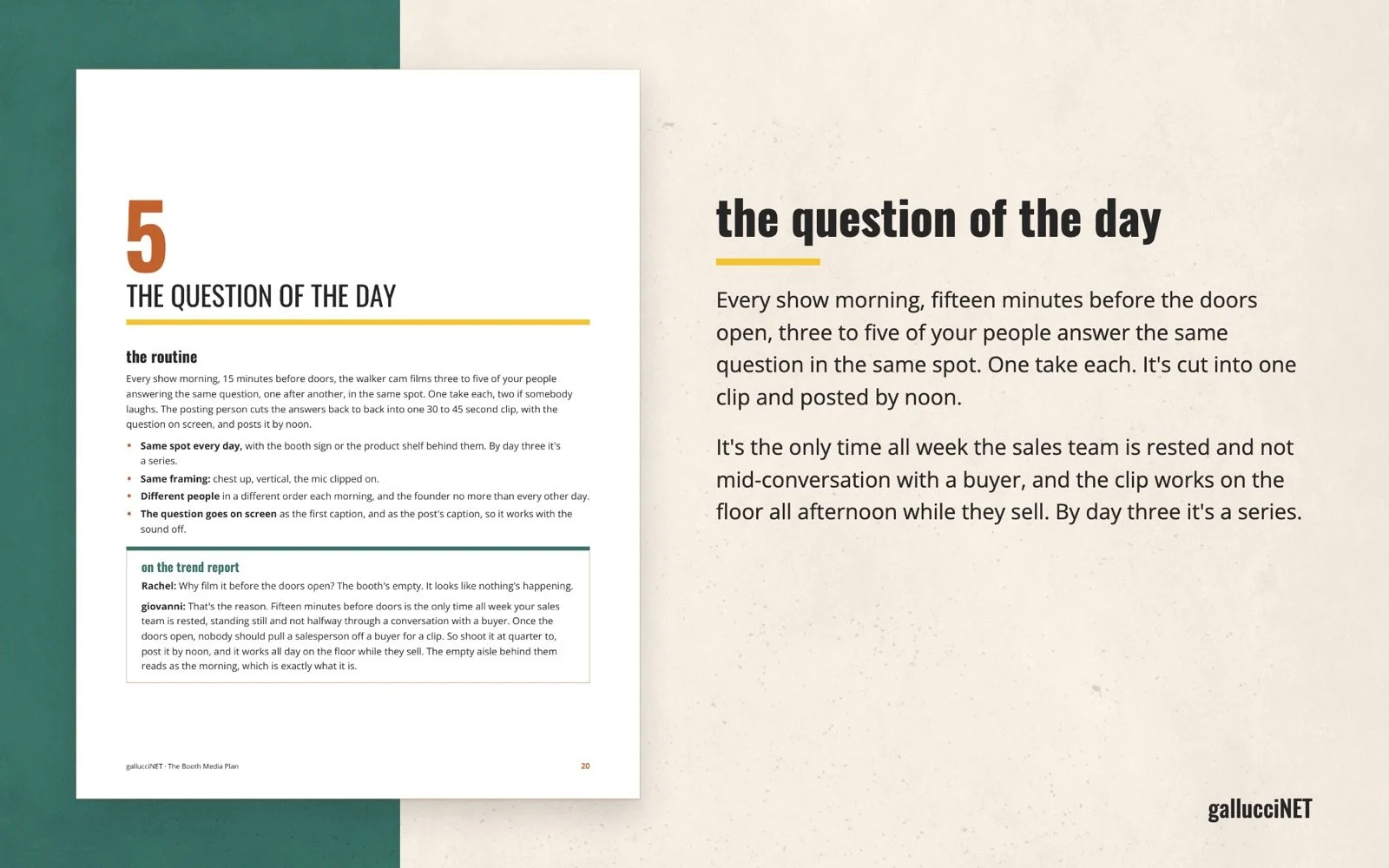
Run it every day. The question of the day before doors, the shots by block, the interviews you booked, and the post set every night. The planner shows what's done, missed and due.
Keep posting after. The recap the day after teardown, and six more posts over two weeks from the footage you banked.
where the method comes from
It's the media plan I wrote for a brand at a big four-day trade show: the shots by day and camera, the question of the day with the sales team, the interview questions and a daily countdown series.
The brand, its people, its products and its show are out of it. The plan, the questions and the series template were rewritten from scratch for food and beverage exhibitors. No client, show booth or real person is in it.
formats and delivery
The media plan, the question bank and the series bible as PDF and Word (.docx)
The series bible and one episode sheet as Markdown, ready to paste into a doc or a video tool
The planner as an Excel workbook (.xlsx) that also opens in Google Sheets
An access page with the Notion duplicate link
One zip, delivered by download link as soon as payment clears
get the kit
$29, one time. One license for you or your organization.
All sales are final. Questions first? Email support@gallucci.net before you buy.
questions
Does it cover booth logistics?
No. Shifts, badges, hotels, guest lists and the budget belong in your show planner. This kit is the content and media side only.
We're a crew of one. Does it still work?
Yes. The plan gives shots to camera roles, not people, and the guide shows how one person holds the walker cam and the posting phone and uses the main camera only before doors and after close. The worked example is a crew of one.
Do I need AI tools for the series?
No. The series bible works for live action shot on a phone. If you animate it, the bible has the consistency rules: one style description, reference sheets, and never letting a model draw your logo or label.
Can I film other booths and visitors?
Read your show's exhibitor manual first; many shows don't allow filming other exhibitors' products without their OK. Visitors appear only with their OK, badges out of focus. The guide covers both. Nothing in the kit is legal advice.
Our show is three days, not four.
The day plan and the series both flex. The guide says what to fold together for a three-day or two-day show, and the planner leaves a day out when it has no date.
Can I get a refund?
No. All sales are final, because a digital file can't be returned once it's delivered. If a file arrives corrupted or won't open, email support@gallucci.net within 30 days and I'll send a working copy. If you're not sure this fits your brand, email support@gallucci.net before you buy and ask.
Do I get updates?
No. You get the edition you buy, and nothing on this page promises updates. If a new edition comes out, it's sold as its own product.
Can I use it for clients?
Yes. One purchase is one license for you or your organization. An agency or freelancer can use it on any number of client accounts; the client gets the finished work, not the product files. A client that wants its own team using the files needs its own copy.
Does it guarantee results?
No. Every number in it is a planning figure with a date and a source, there to show the method. What you get out of it depends on your product, your market and how you run it.
what has changed
every change to this product, newest first. the download you buy today is the current version.
November 27, 2026: First released.
terms
Buying or using this product means you accept the gallucciNET terms of use: gallucci.net/terms. A copy (READ_ME_FIRST_terms_of_use.pdf) is the first file in the download.
about giovanni
giovanni gallucci runs gallucciNET. He's spent twenty years on social, content and launches for food and beverage brands, and he wrote this kit from his own client work.
He hosts The Daily Trend Report, a morning podcast on food and beverage, content, social and AI (show notes at gallucci.net/podcasts), and wrote A Social Media Marketing Framework for Food and Beverage CPG Brands (2nd Edition) and Viral and Broke: A Field Guide to Social Media for Food and Beverage Brands. More at gallucci.net.
adage, emmy, telly & webby award-winning digital marketing consultant for purpose-driven food & beverage brands.