
AI Product Content Prompt Pack
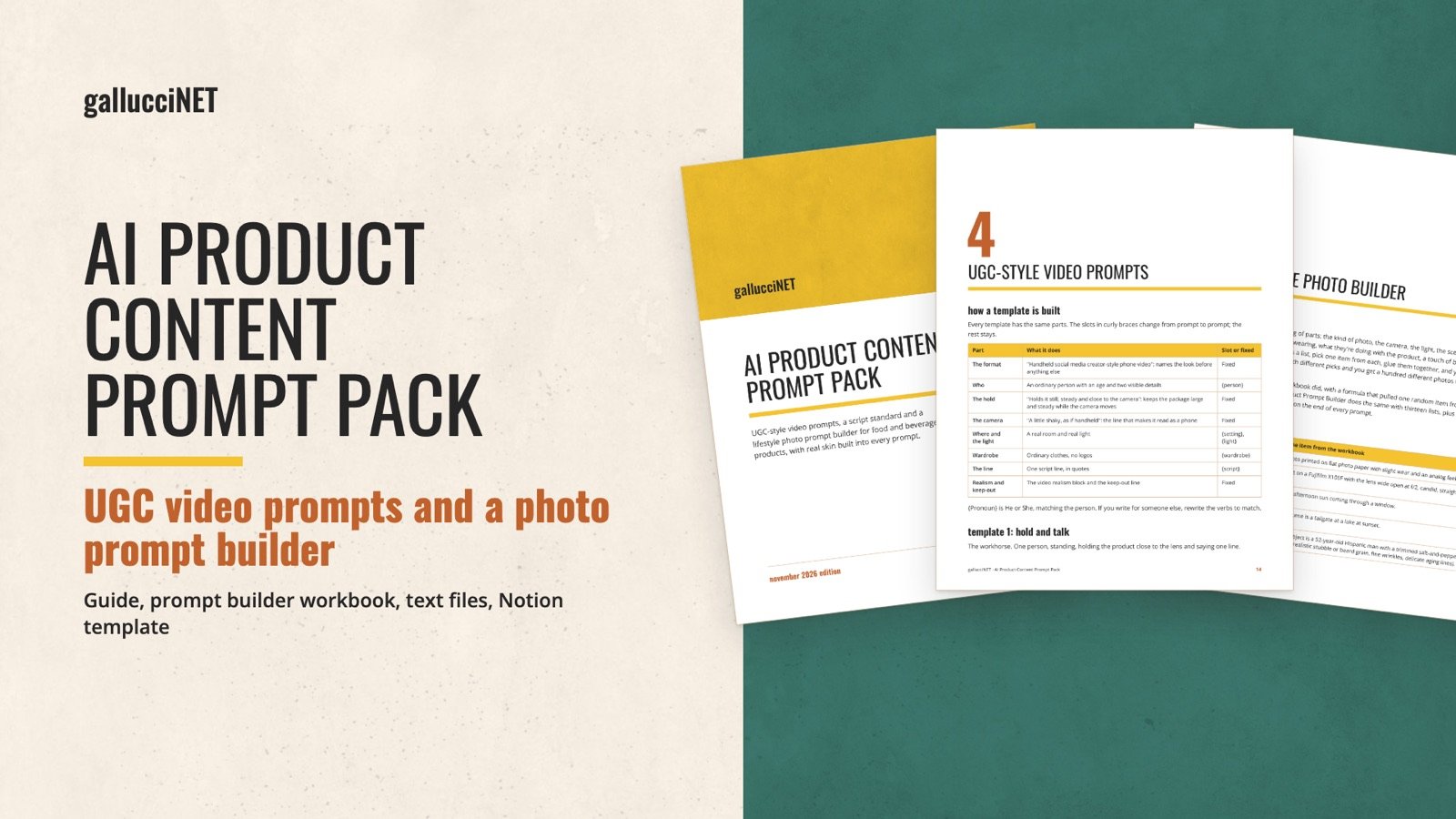
Product photos and short videos from any AI tool that look like a person shot them on a phone, with the package right and the skin real.
last updated · what has changed
the problem
Most AI product content gets scrolled past in the first frame. The person is a little too smooth, the light comes from everywhere, the bottle has a word on it that isn't your brand, and somebody in the comments points it out before your team does.
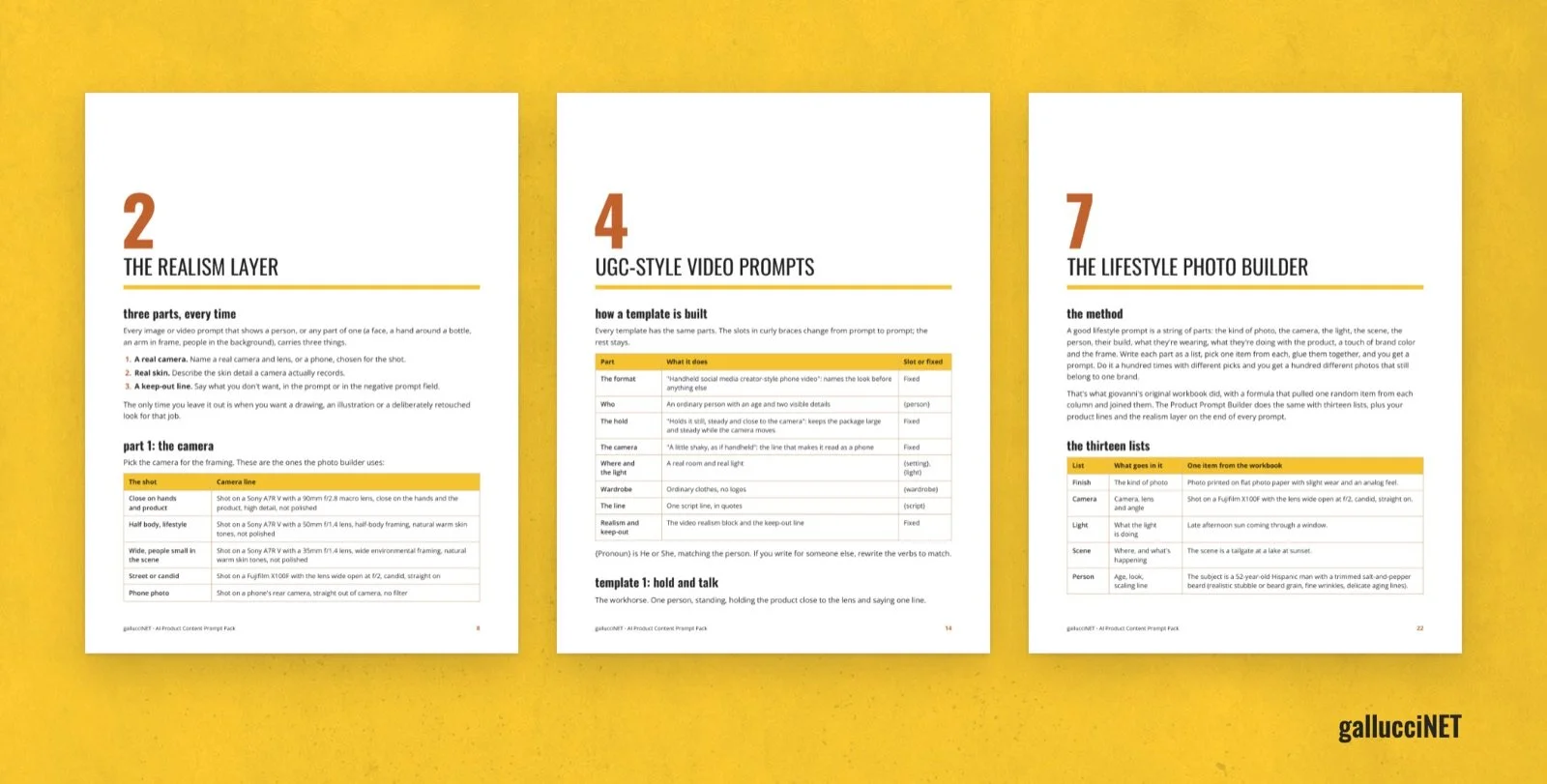
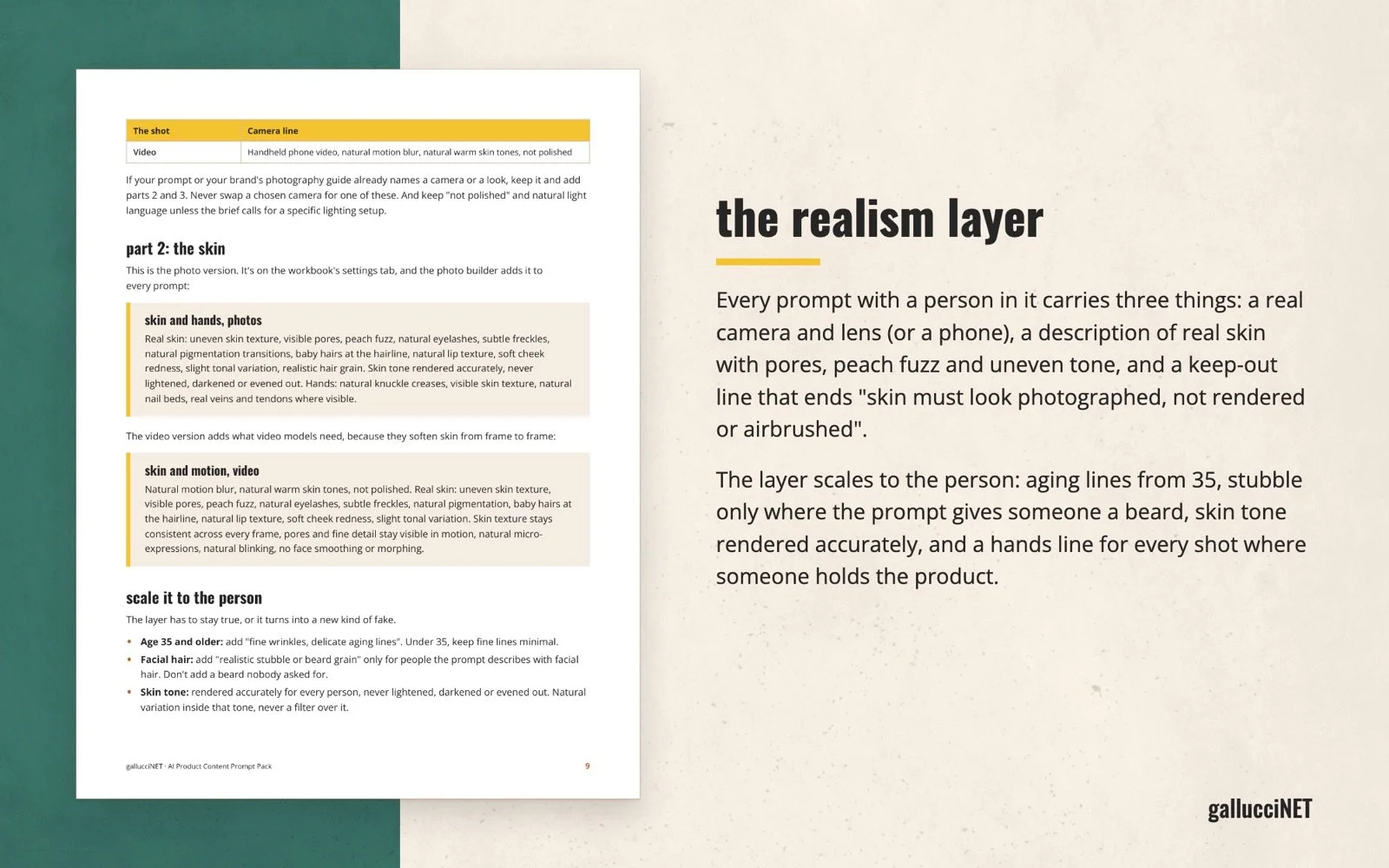
The fix isn't a better model. It's a better prompt: name a real camera, describe real skin, describe the package exactly, and ask for the handheld phone look people actually stop for. I wrote these templates for a beverage brand's product videos and built the photo prompt workbook for my own content and my clients'. This is the cleaned-up version, with the realism layer I now put in every prompt.
what's inside
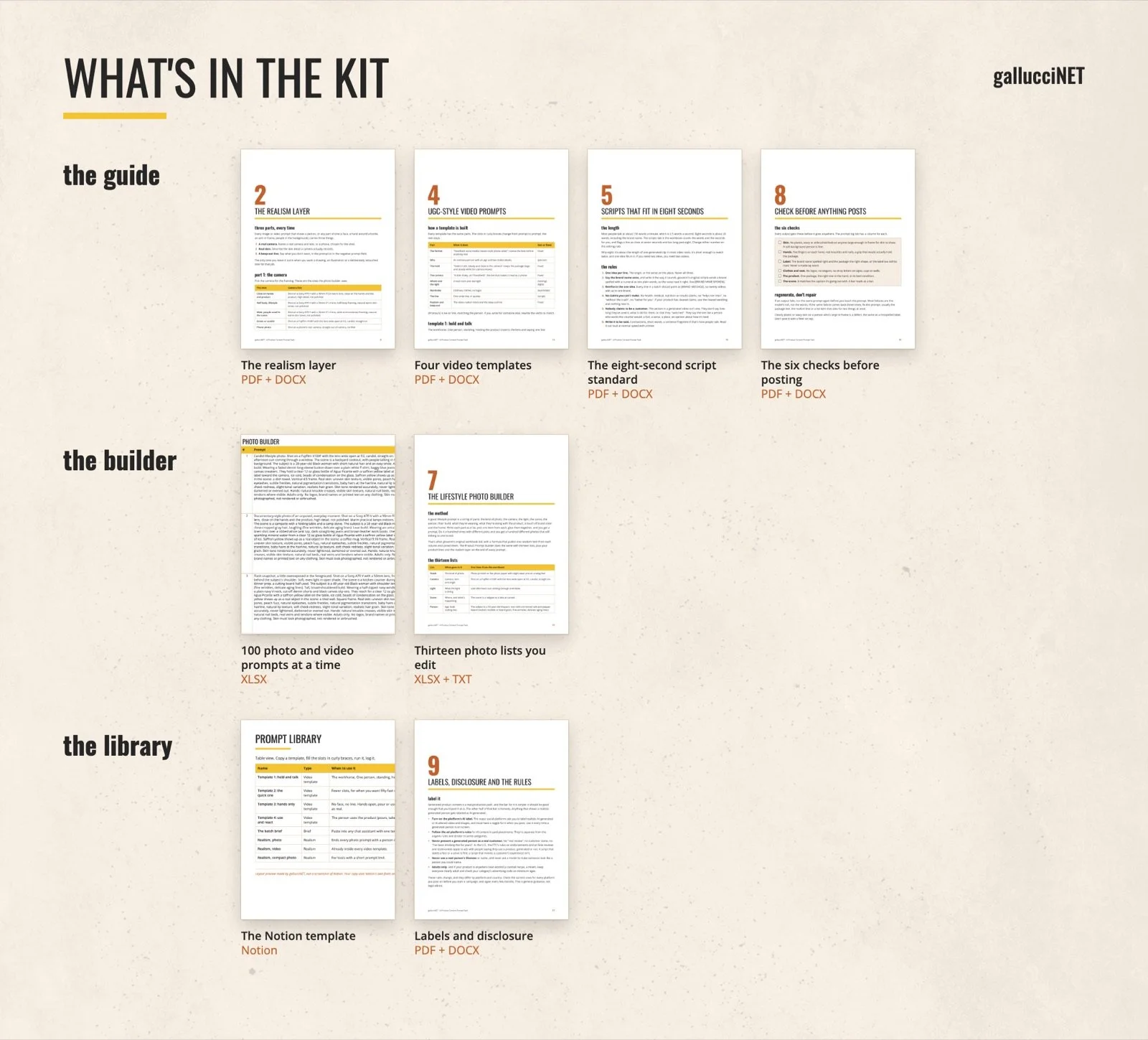
The guide: why AI product content looks fake; the realism layer (camera, skin, keep-out) and how to scale it to the person; the package line and the label problem; four handheld video templates; the eight-second script standard with six angles; the batch brief for a writing assistant; the photo builder method; the six checks before posting; labels and disclosure; a worked example (PDF + Word)
The Product Prompt Builder: settings for your product, thirteen photo lists and five video lists you can edit, a photo builder and a video builder (100 prompts each, fixed or shuffle), a scripts tab that times every line, a prompt log with the six checks and the AI label, and the prompt rules (Excel)
Two plain text files: the four video templates, the batch brief, every photo list and the realism blocks, ready to paste into any tool (TXT)
The Notion version: The same system, set up as a Notion template you copy into your own workspace with one click. The prompt library, the scripts, the generation log and the photo parts as databases, with the realism layer and the check before posting as pages. Your duplicate link is on the access page in the zip (Notion + PDF)
The terms of use: the first file in the download (PDF)
who it's for
Social media managers and content leads at food and beverage brands making product content with AI image and video tools, and the agencies and creators who make it for them.
in-house teams who need twenty product clips a month and don't have twenty shoots
agencies building an AI content offer and wanting one standard for every client
founders testing AI product video before they pay for a shoot
If you've never written an image prompt, start with template 1 and the package line. If you write them every day, the workbook and the realism layer are what you're here for.
preview
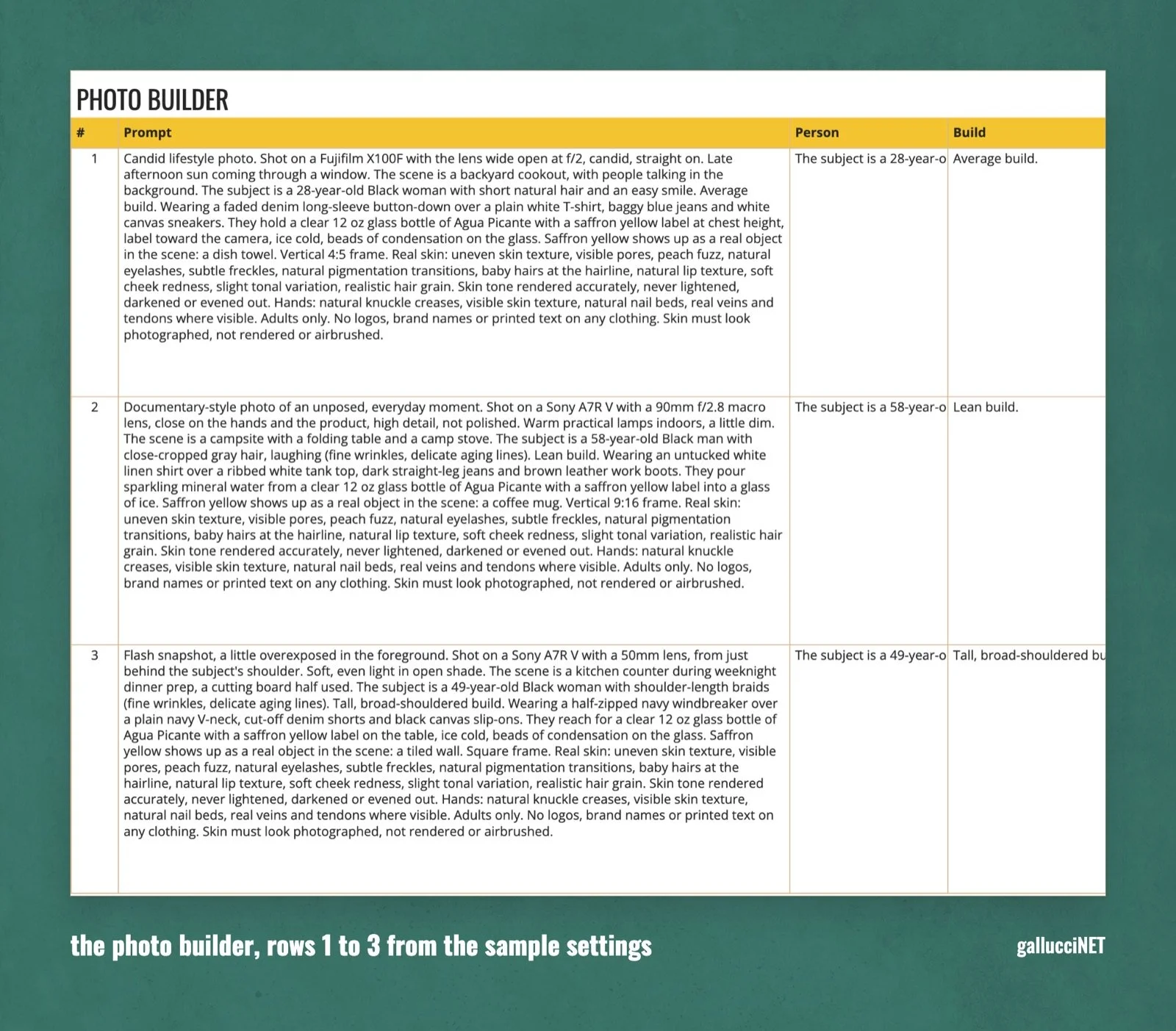
how it works
Describe the product once. Write the package line, the condition line and your brand color on the settings tab, or replace the tokens in the guide and the text files.
Build the prompts. Copy prompts from the photo and video builders, a hundred at a time, or fill a template by hand. Every one carries the realism layer.
Check, label and log. Run the six checks on every output, turn on the platform's AI label, and log the prompt, the file and the decision.
where the method comes from
The video templates and the batching brief come from the handheld product videos I wrote prompts for on a beverage brand. The photo builder is the component workbook I built for my own content and my clients' lifestyle imagery, rebuilt lean. The realism layer is the rule I put in every prompt with a person in it.
The brand, its flavors and its claims are gone, and so are my own character references and style codes. The worked example uses Agua Picante and Pogue's Pepper Co., the fictional brands from my other kits and books, and every person in every prompt is invented.
formats and delivery
The guide as a PDF and a Word file (.docx)
The Product Prompt Builder as an Excel workbook (.xlsx); it opens in Google Sheets too
Two plain text files (.txt) with every template, list and realism block
A Notion template you copy into your own workspace from the duplicate link on the access page in the zip (a free Notion account works)
One zip, delivered by download link as soon as payment clears
get the kit
$29, one time. One license for you or your organization.
All sales are final. Questions first? Email support@gallucci.net before you buy.
questions
Which AI tools does it work with?
Any image or video tool that takes a written prompt. The prompts are plain description, with no tool-specific syntax. Your tool's own settings (an aspect ratio switch, a seed, a style setting) go in one cell on the settings tab and get added to the end of every prompt.
Will the label on my product come out right?
Not reliably from text alone; models invent letters. The guide gives you three ways around it, in order: keep the label soft, start from a real photo of the product, or composite the real packshot in afterward. The check before posting catches the rest.
Is it OK to post AI videos of people holding my product?
Yes, labeled. The guide asks you to turn on each platform's AI label whenever a realistic generated person is on screen, never present one as a real customer, and never write a script where they claim to have used the product. Check each platform's current rules before a campaign; they change.
Do I need Excel?
The workbook needs Excel 2019 or later, Microsoft 365, Google Sheets or a recent Apple Numbers, because it uses TEXTJOIN. Everything else in the kit is a PDF, a Word file, text files or Notion.
I have the AI-Ready Brand Voice kit. Is this the same thing?
No. That kit is the words side: the brand's voice, its closed claims and its caption rules. This one is the picture side: photos and short videos. Copy the package rules from its Voice and Aesthetic Guide into this kit's package line and the two agree.
Can I get a refund?
No. All sales are final, because a digital file can't be returned once it's delivered. If a file arrives corrupted or won't open, email support@gallucci.net within 30 days and I'll send a working copy. If you're not sure this fits your brand, email support@gallucci.net before you buy and ask.
Do I get updates?
No. You get the edition you buy, and nothing on this page promises updates. If a new edition comes out, it's sold as its own product.
Can I use it for clients?
Yes. One purchase is one license for you or your organization. An agency or freelancer can use it on any number of client accounts; the client gets the finished work, not the product files. A client that wants its own team using the files needs its own copy.
Does it guarantee results?
No. Every number in it is a planning figure with a date and a source, there to show the method. What you get out of it depends on your product, your market and how you run it.
what has changed
every change to this product, newest first. the download you buy today is the current version.
November 26, 2026: First released.
terms
Buying or using this product means you accept the gallucciNET terms of use: gallucci.net/terms. A copy (READ_ME_FIRST_terms_of_use.pdf) is the first file in the download.
about giovanni
giovanni gallucci runs gallucciNET out of Marfa and Dallas. He's spent twenty years on social, content and launches for food and beverage brands, and he writes everything in this kit from that work.
He hosts The Daily Trend Report, a morning podcast on food and beverage, content, social and AI (show notes at gallucci.net/podcasts), and wrote A Social Media Marketing Framework for Food and Beverage CPG Brands (2nd Edition) and Viral and Broke: A Field Guide to Social Media for Food and Beverage Brands. More at gallucci.net.
adage, emmy, telly & webby award-winning digital marketing consultant for purpose-driven food & beverage brands.