
One Video, Every Channel: The 4-Day Video-to-Multichannel SOP
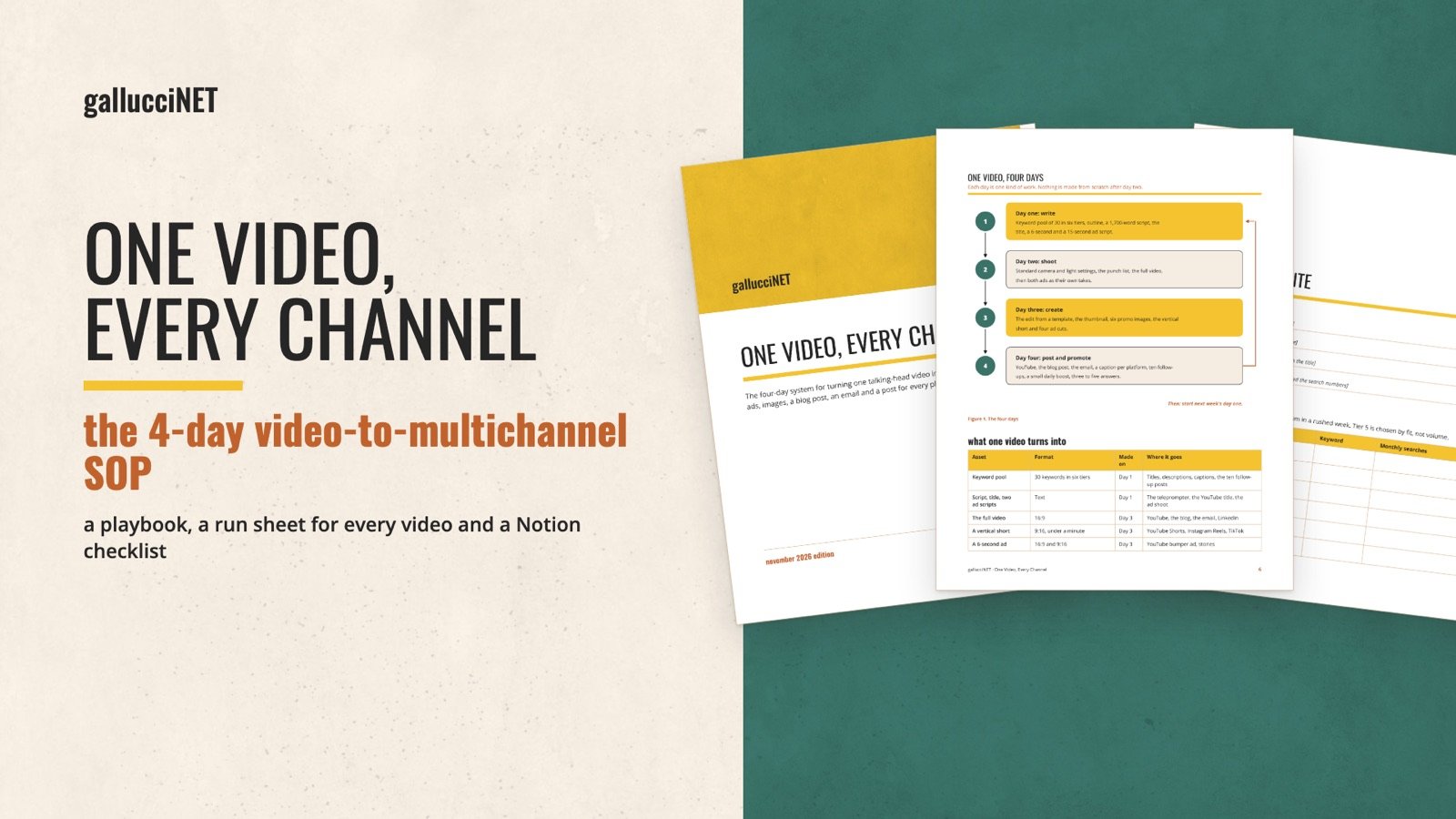
The production system I ran every week for my own channel: one talking-head video, four days, and every channel it can feed.
last updated · what has changed
the problem
Most people who make a weekly video post it to YouTube, cut a Short if there's time, paste the link in two places and start worrying about next week. The video took a script, an hour under the lights and an afternoon in the edit. Then it gets about a tenth of the use it could.
The blog post, the email, the ad cuts and the posts that bring the video back next month never get made, and the reason is the schedule more than laziness. Trying to write, shoot, edit and promote in one day means the promotion is the part that falls off at six o'clock.
This kit is the four-day split I used to fix that, written down step by step, with the channels and the AI steps brought up to 2026.
what's inside
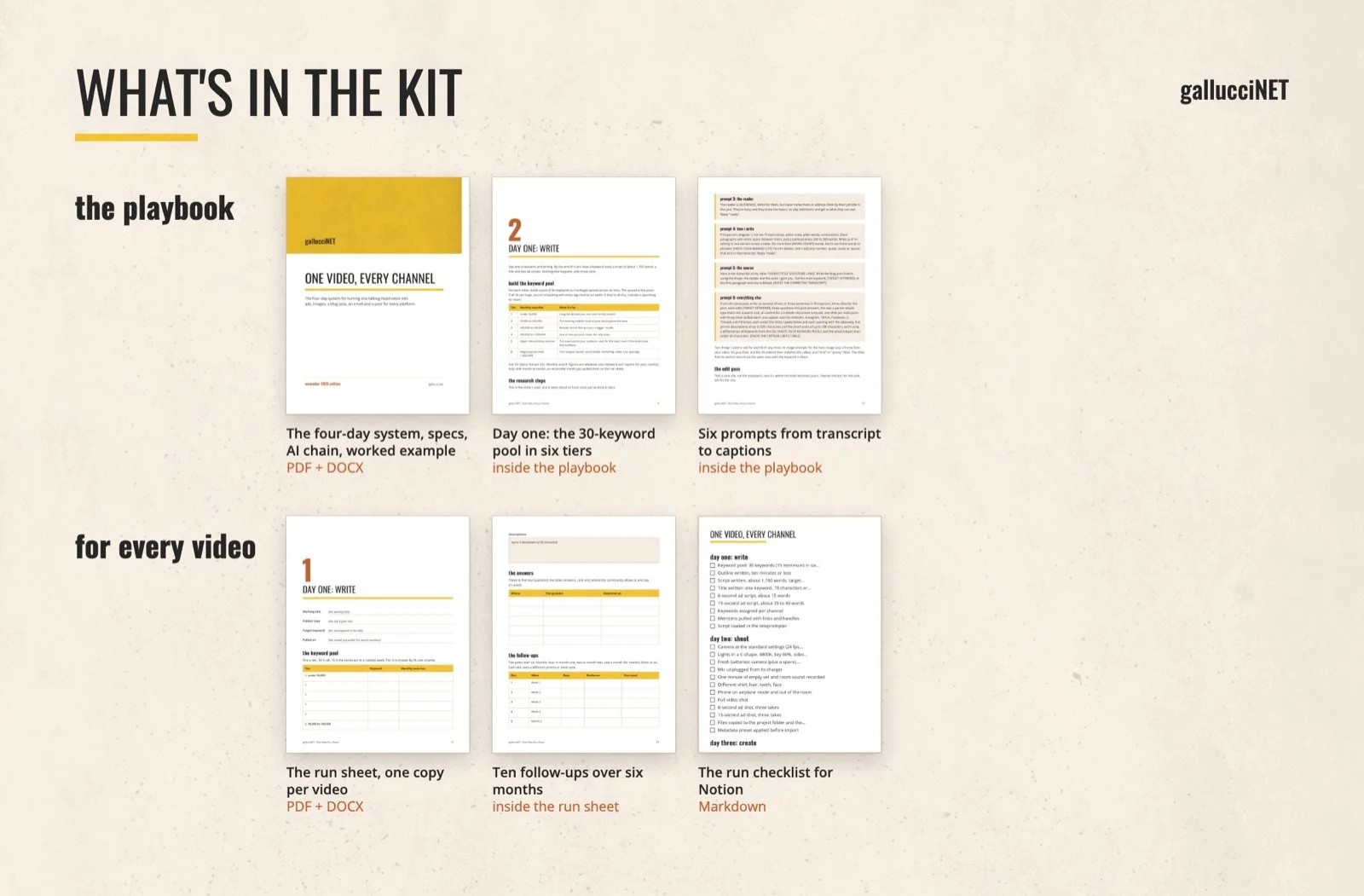
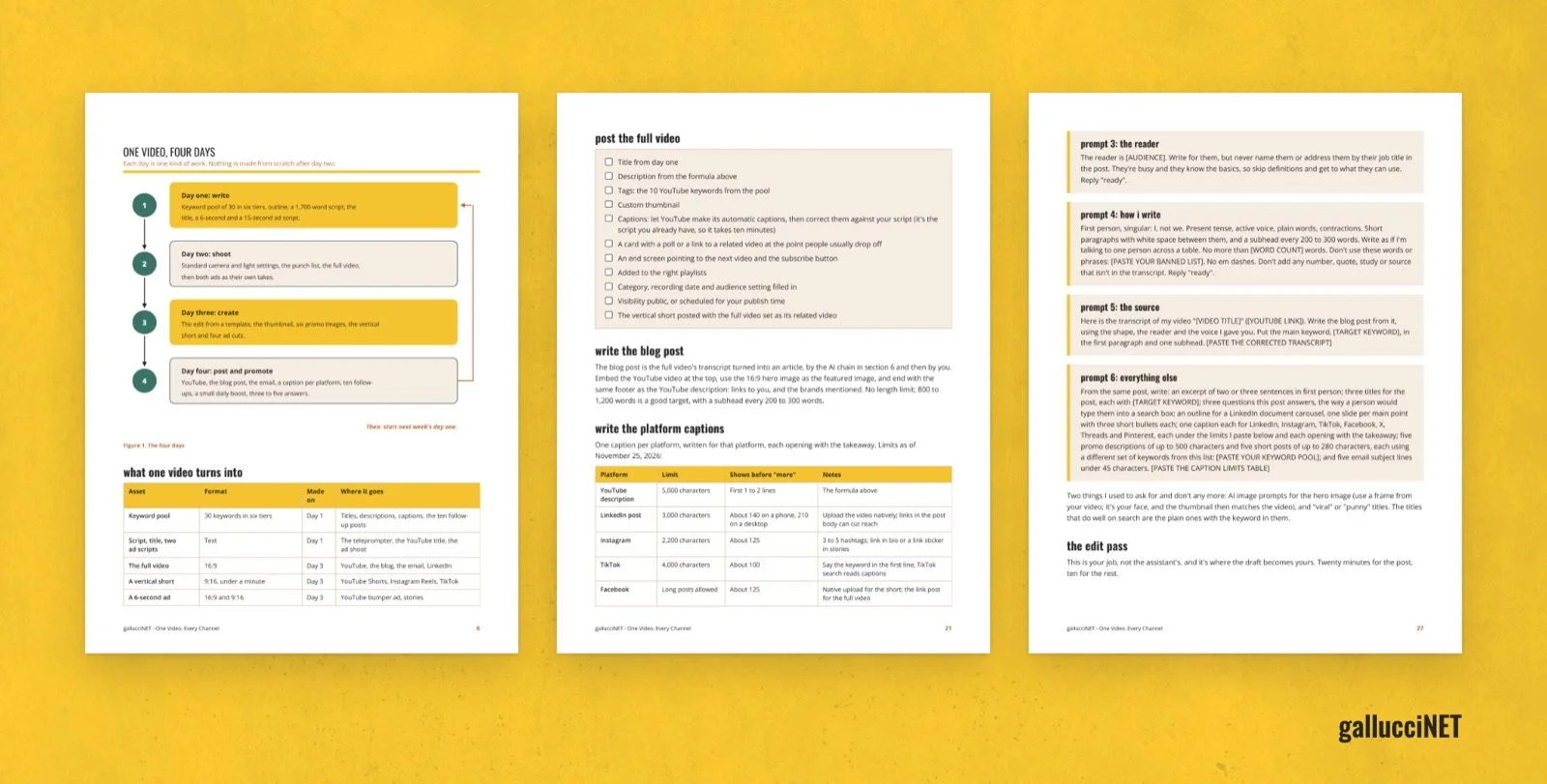
The playbook: the system and the asset map, each of the four days step by step with its checklist, camera and light settings, the shoot punch list, the YouTube description formula, platform specs dated November 2026, the six-prompt AI chain that turns the transcript into a blog post and captions, how to keep score, and a worked example (PDF + Word)
The run sheet: one copy per video: every step as a checkbox and every piece of copy as a box, from the 30-keyword pool to the ten follow-up dates (PDF + Word)
The checklist: the same steps as a plain markdown checklist that imports into Notion as to-dos (Markdown)
The Notion version: The same system, set up as a Notion template you copy into your own workspace with one click. A videos database with day one to four status and every channel output, the run sheet as a page template, and the checklist. Your duplicate link is on the access page in the zip (Notion + PDF)
The terms of use: the first file in the download (PDF)
who it's for
Solo creators, consultants and small marketing teams who make one talking-head or YouTube video a week and want it working on every channel. It fits:
a consultant or agency owner whose videos are the main way new clients find them
a brand's content lead turning a founder's weekly video into the month's posts
It assumes a camera or a good phone, an editor you already know, and a YouTube channel. It doesn't teach you to edit or to be on camera; it tells you what to make, in what order, and where it goes.
preview
how it works
Read the playbook once. Sections 1 to 6 take about forty minutes and cover every step of the week.
Fill in the set-it-once page. Your links, your footer, your outros, your daily boost and your follow-up slot, on a master run sheet you never post from.
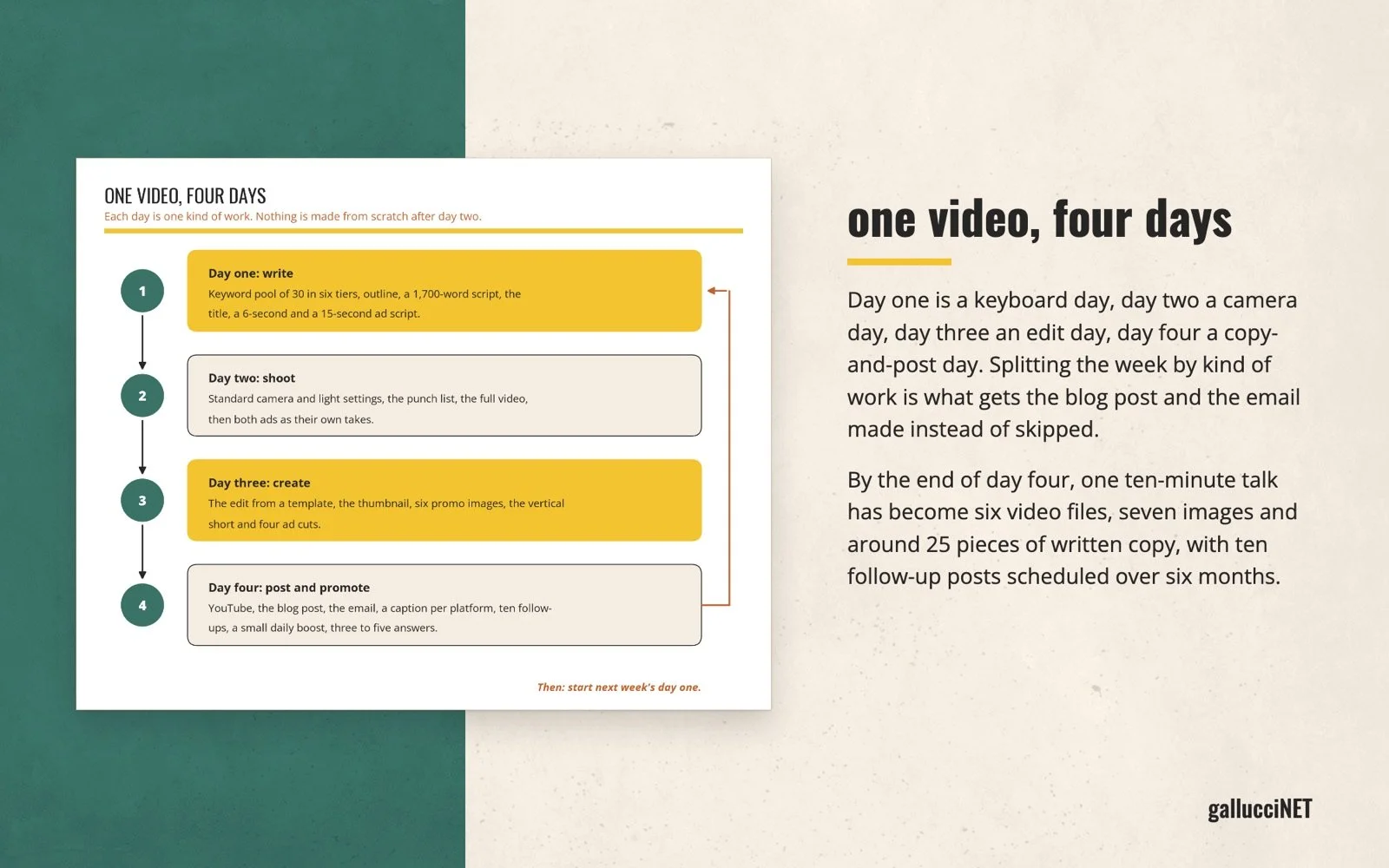
Copy the run sheet for every video. Pick a publish day, count back four days, and work the sheet top to bottom. Then start next week's day one.
where the method comes from
This is the SOP I ran for months on my own weekly talking-head channel, step by step, with a completed run for one video kept as the worked example. The method is unchanged: the keyword pool in six tiers, writing the ads before the shoot, the description formula, the five-and-five follow-up posts, the small daily boost for every video under a view line.
What changed is the channels. The old version posted to sites and feeds that are gone, and used AI prompts from before the current assistants. The kit now covers Shorts, Reels, TikTok, LinkedIn video, Threads and the newsletter, and every platform limit carries an as-of date of November 25, 2026.
formats and delivery
2 PDFs and 2 matching Word files (.docx): the playbook and the run sheet
1 markdown checklist (.md) for Notion, Google Docs or any app that reads checkboxes
A Notion template you copy into your own workspace from the duplicate link on the access page in the zip (a free Notion account works)
One zip, delivered by download link as soon as payment clears
Fonts: Oswald and Open Sans, both free from Google Fonts
get the kit
$29, one time. One license for you or your organization.
All sales are final. Questions first? Email support@gallucci.net before you buy.
questions
Do I need to make a video every week?
No. The four days work for any schedule. Weekly is what it was built for, and on a weekly schedule the days overlap: you write next week's script on the day you post this one.
Does it work if I shoot on a phone?
Yes. The camera settings are written for a mirrorless camera, and the frame rate, shutter, white balance and light setup all carry over to a phone with a manual camera app. The rest of the system doesn't care what you shot on.
Which AI assistant does the prompt chain need?
Any current chat assistant: ChatGPT, Claude or Gemini. The prompts are plain text. You paste in your own transcript, audience, voice rules and keyword pool.
Is this a video editing course?
No. It tells you what to set up in your editor once (fonts, titles, a color preset, an audio preset) and which files to export, not how to cut.
Can I get a refund?
No. All sales are final, because a digital file can't be returned once it's delivered. If a file arrives corrupted or won't open, email support@gallucci.net within 30 days and I'll send a working copy. If you're not sure this fits your brand, email support@gallucci.net before you buy and ask.
Do I get updates?
No. You get the edition you buy, and nothing on this page promises updates. If a new edition comes out, it's sold as its own product.
Can I use it for clients?
Yes. One purchase is one license for you or your organization. An agency or freelancer can use it on any number of client accounts; the client gets the finished work, not the product files. A client that wants its own team using the files needs its own copy.
Does it guarantee results?
No. Every number in it is a planning figure with a date and a source, there to show the method. What you get out of it depends on your product, your market and how you run it.
what has changed
every change to this product, newest first. the download you buy today is the current version.
November 26, 2026: First released.
terms
Buying or using this product means you accept the gallucciNET terms of use: gallucci.net/terms. A copy (READ_ME_FIRST_terms_of_use.pdf) is the first file in the download.
about giovanni
giovanni gallucci runs gallucciNET out of Marfa and Dallas. He's spent twenty years on social, content and launches for food and beverage brands, and he ran this system on his own channel before he wrote it down.
He hosts The Daily Trend Report, a morning podcast on food and beverage, content, social and AI (show notes at gallucci.net/podcasts), and wrote A Social Media Marketing Framework for Food and Beverage CPG Brands (2nd Edition) and Viral and Broke: A Field Guide to Social Media for Food and Beverage Brands. More at gallucci.net.

adage, emmy, telly & webby award-winning digital marketing consultant for purpose-driven food & beverage brands.