
Shoot-Day Gear Checklist and Shoot Ledger
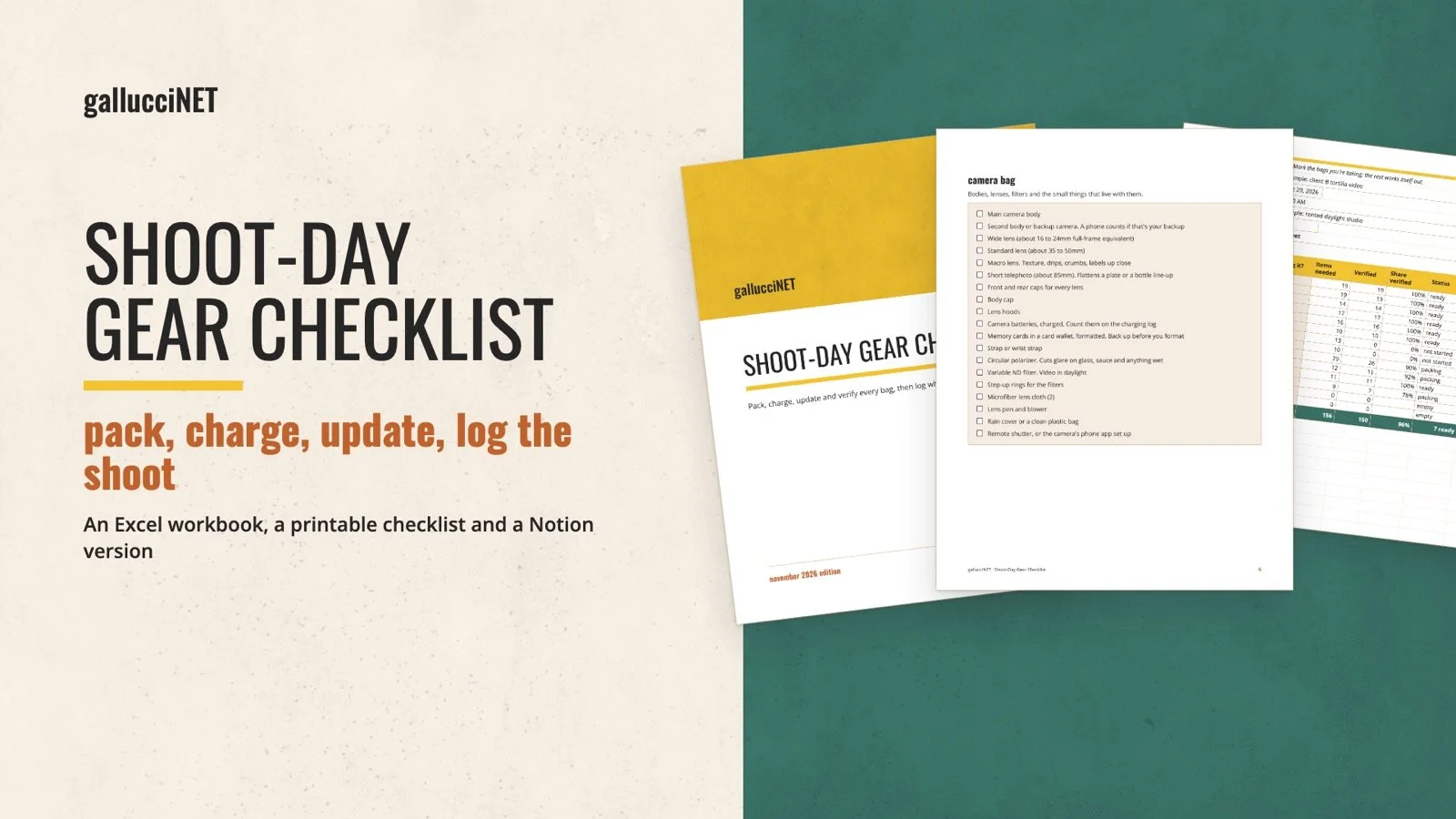
Pack every bag against a list, charge and update on a schedule, and log every product you shot at every location. One screen tells you when you're ready.
last updated · what has changed
the problem
Every creator who shoots on location has a story about the thing left behind. The card still in the reader. The battery on the charger. The putty in the other case, at a shoot where the bottle won't stand still on the board.
Memory doesn't fix it, because the thing you forget is the thing you always have. A list fixes it, but only if it's per bag, it covers the batteries and the software too, and you actually tick it the day before.
Then there's the other question a client asks a month later: when did we last shoot the green sauce, and where? If the answer lives in your camera roll, it takes an hour. In the ledger it takes ten seconds.
what's inside
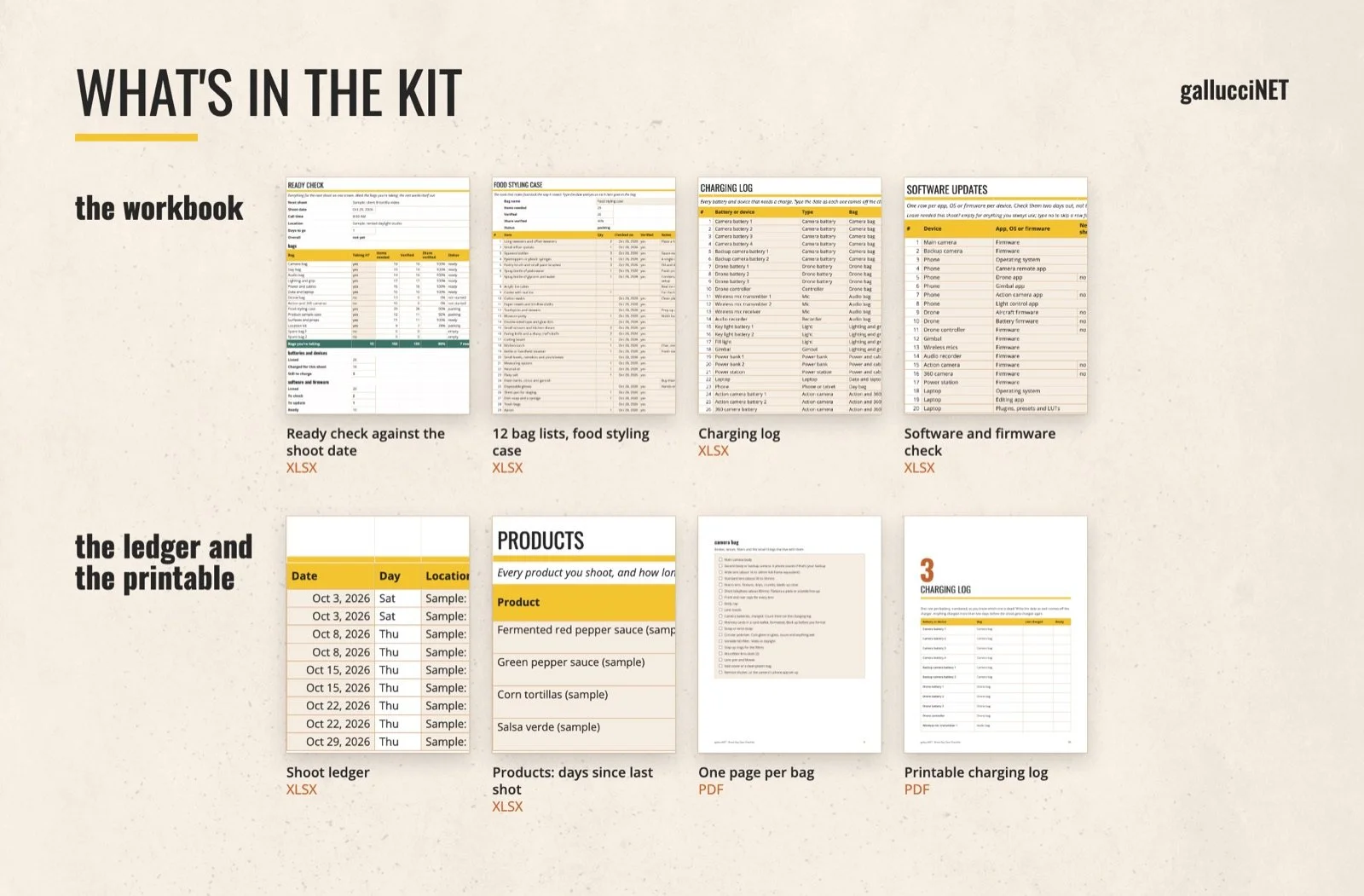
The workbook: settings, a ready check, 12 bag tabs with starter lists (camera, day bag, audio, lighting and grip, power and cables, data, drone, action cameras, food styling, product samples, surfaces and props, location kit) and 2 spare bags, a charging log, a software and firmware check, a shoot ledger, locations, products, a 60-day shot grid, the shoot-day rhythm and giovanni's own 2021 kit for reference (XLSX)
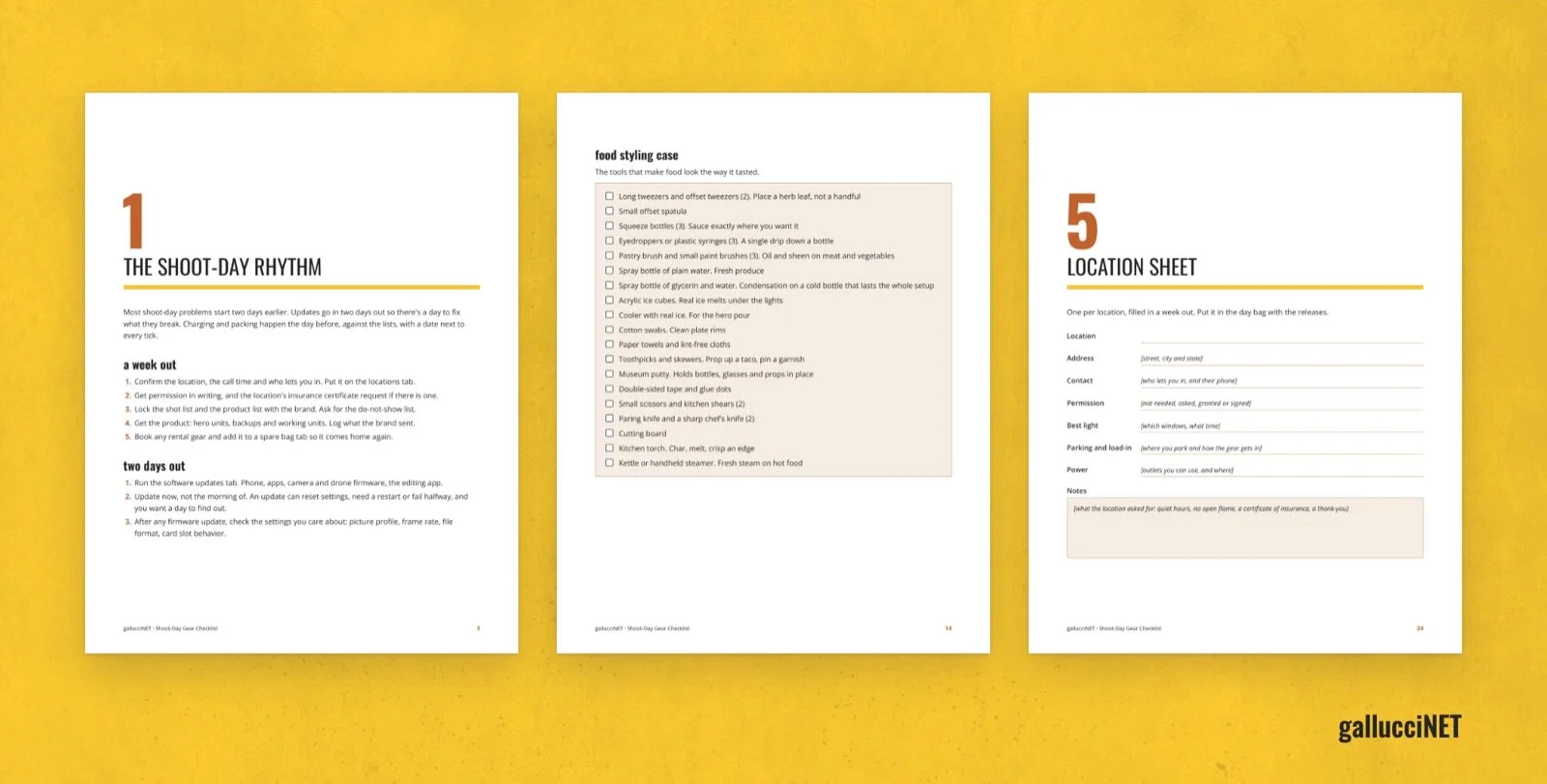
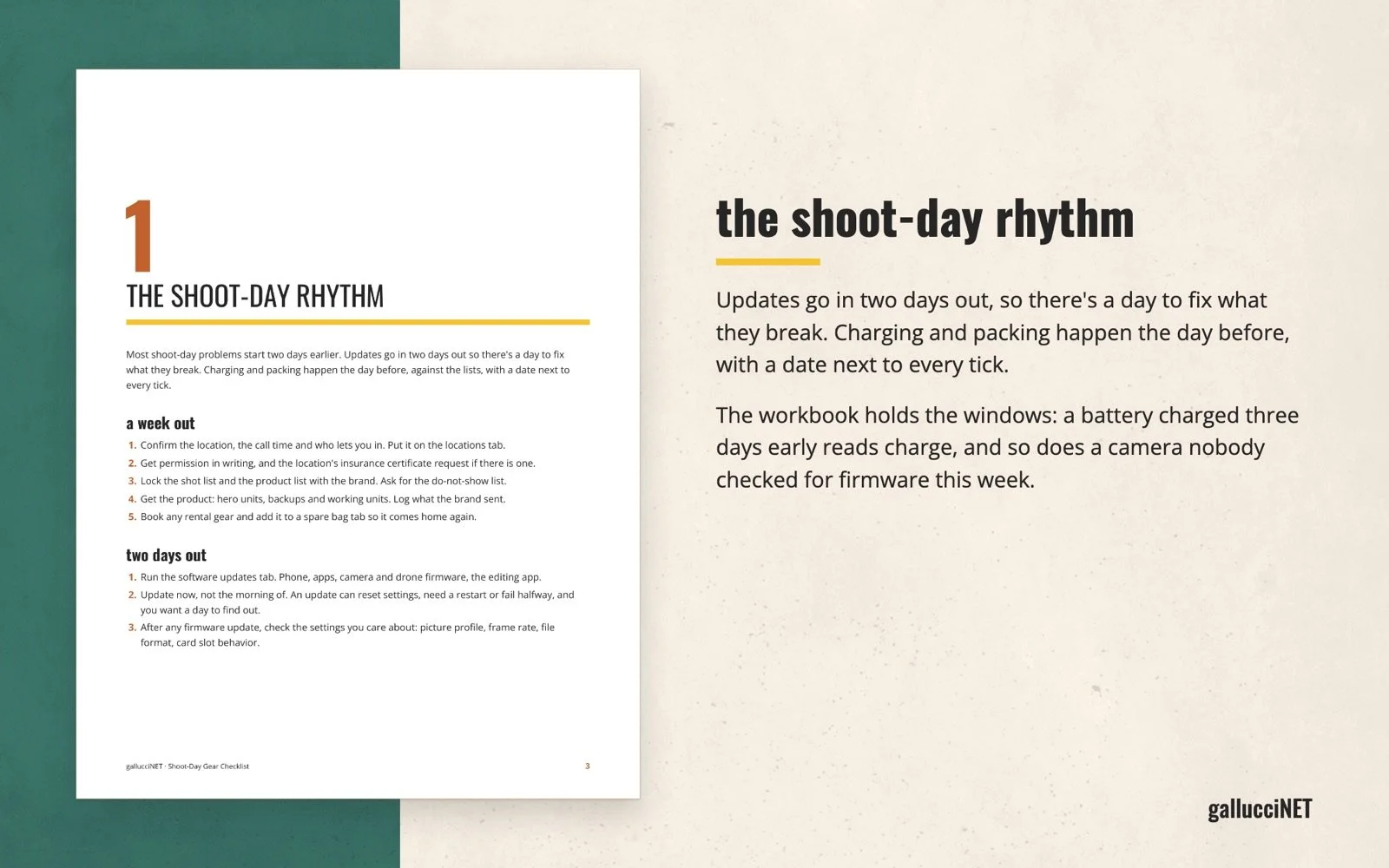
The printable checklist: the shoot-day rhythm, one page per bag, a charging log, a software check, a location sheet and a shoot ledger to print and fill in by hand (PDF, 27 pages)
The Notion version: the gear list, charging log, software check, shoot ledger, locations and products as Notion databases, with the rhythm as a page, for anyone who lives in Notion (Notion template link)
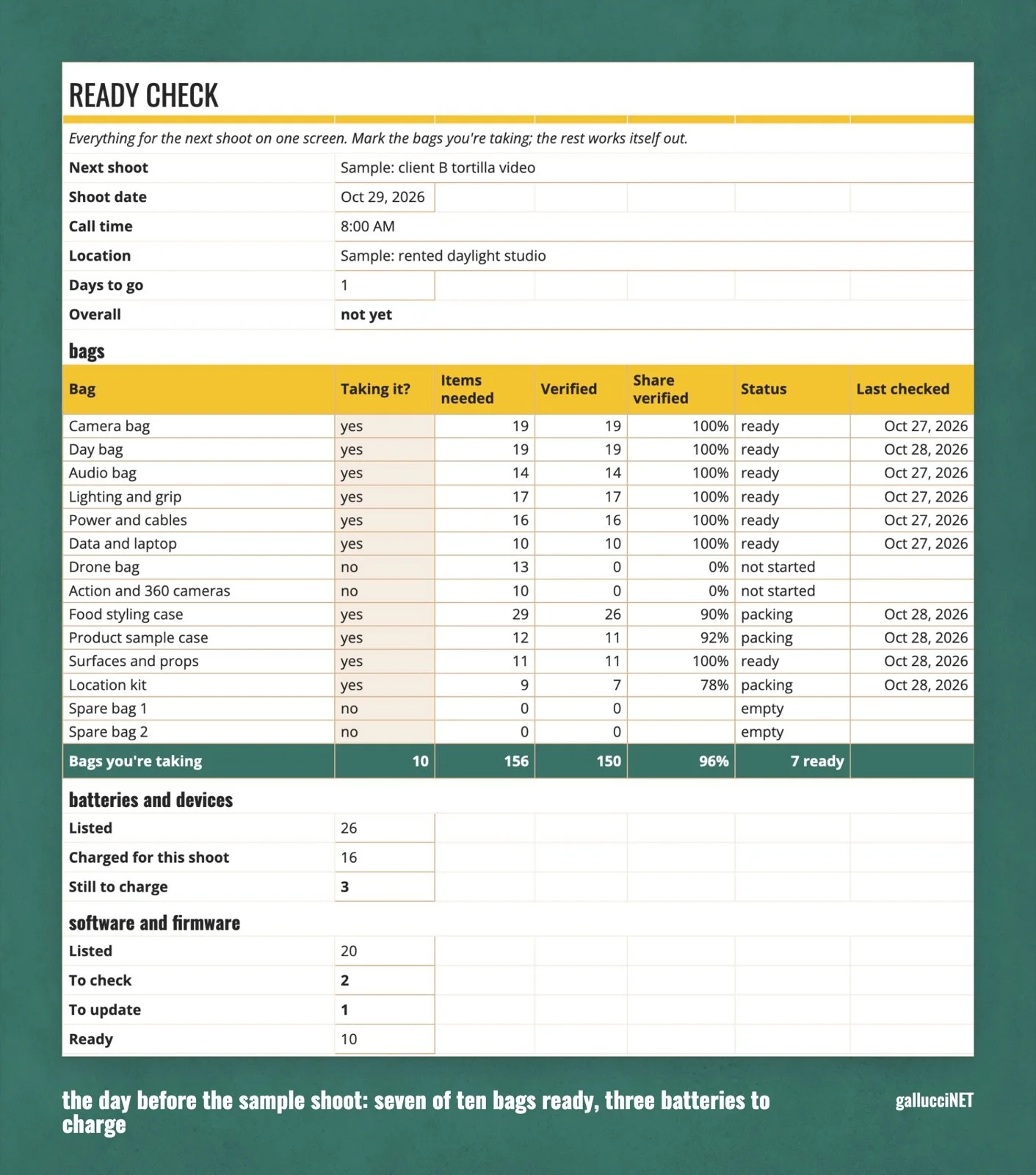
A sample: a fictional creator's October 2026, the day before a studio shoot, cleared with one select-and-delete (in the XLSX)
The terms of use: the first file in the download (PDF)
who it's for
Anyone who shoots food and drink away from home base:
solo content creators and food photographers who pack their own bags
in-house photo and video producers at food and beverage brands
social managers who shoot product themselves and need to know when each product last got new content
It's a packing and logging tool. It doesn't schedule shoots, quote jobs or manage releases.
preview
how it works
Make the lists yours once. Go through each bag tab, the charging log and the software tab. Delete what you don't own, add what you do, number the batteries.
Before each shoot, set the date. Type the shoot and its date on settings and mark the bags you're taking. Two days out, work the software tab; the day before, charge and pack, typing the date and yes as each thing goes in.
Pack until it says ready, then log it. The ready check turns ready when every bag, battery and update is done. After the shoot, one ledger row per product per location.
where the method comes from
I built the first version for my own kit in 2021: a tab per bag, a charging log that ran to 53 batteries and devices, and a software list of 51 rows, because every app on every phone that runs a camera needs updating too. The ledger came from shooting product for a food client across a run of store locations, when I needed to know which product had been shot where.
This version swaps my gear for generic starter lists, fills in the bags that were empty in mine (the food styling case and the product sample case above all), and adds the ready check that rolls it all up against the shoot date. My own lists from 2021 are on a reference tab, minus the brand names.
formats and delivery
1 Excel workbook (.xlsx) with tinted input cells, locked formulas and a sample you can clear; works in Excel 2019 or later, Google Sheets and Numbers
The printable checklist as a 27-page PDF
A Notion template link (a PDF in the zip tells you how to copy it into your workspace)
One zip, delivered by download link as soon as payment clears
Fonts: Oswald and Open Sans, both free from Google Fonts
get the kit
$9, one time. One license for you or your organization.
All sales are final. Questions first? Email support@gallucci.net before you buy.
questions
Does it list specific gear brands?
No. The starter lists are generic (main camera body, macro lens, wireless mic transmitters), so they fit whatever you own. You type your own models in.
I don't fly a drone. Do I need all twelve bags?
No. Mark the bags you're taking on the ready check, and only those count. Delete or rename the rest.
Is there a Google Sheets version?
The XLSX opens in Google Sheets and works there. A separate Sheets copy isn't included.
Does it work on a phone?
The workbook opens in the Excel, Google Sheets and Numbers phone apps, and the Notion version works in the Notion app. The PDF is for printing.
Can I get a refund?
No. All sales are final, because a digital file can't be returned once it's delivered. If a file arrives corrupted or won't open, email support@gallucci.net within 30 days and I'll send a working copy. If you're not sure this fits your brand, email support@gallucci.net before you buy and ask.
Do I get updates?
No. You get the edition you buy, and nothing on this page promises updates. If a new edition comes out, it's sold as its own product.
Can I use it for clients?
Yes. One purchase is one license for you or your organization. An agency or freelancer can use it on any number of client accounts; the client gets the finished work, not the product files. A client that wants its own team using the files needs its own copy.
Does it guarantee results?
No. Every number in it is a planning figure with a date and a source, there to show the method. What you get out of it depends on your product, your market and how you run it.
what has changed
every change to this product, newest first. the download you buy today is the current version.
November 26, 2026: First released.
terms
Buying or using this product means you accept the gallucciNET terms of use: gallucci.net/terms. A copy (READ_ME_FIRST_terms_of_use.pdf) is the first file in the download.
about giovanni
giovanni gallucci runs gallucciNET out of Marfa and Dallas. He's spent twenty years on social, content, field and launches for food and beverage brands, and he still packs his own bags.
He hosts The Daily Trend Report, a morning podcast on food and beverage, content, social and AI (show notes at gallucci.net/podcasts), and wrote A Social Media Marketing Framework for Food and Beverage CPG Brands (2nd Edition) and Viral and Broke: A Field Guide to Social Media for Food and Beverage Brands. More at gallucci.net.
adage, emmy, telly & webby award-winning digital marketing consultant for purpose-driven food & beverage brands.